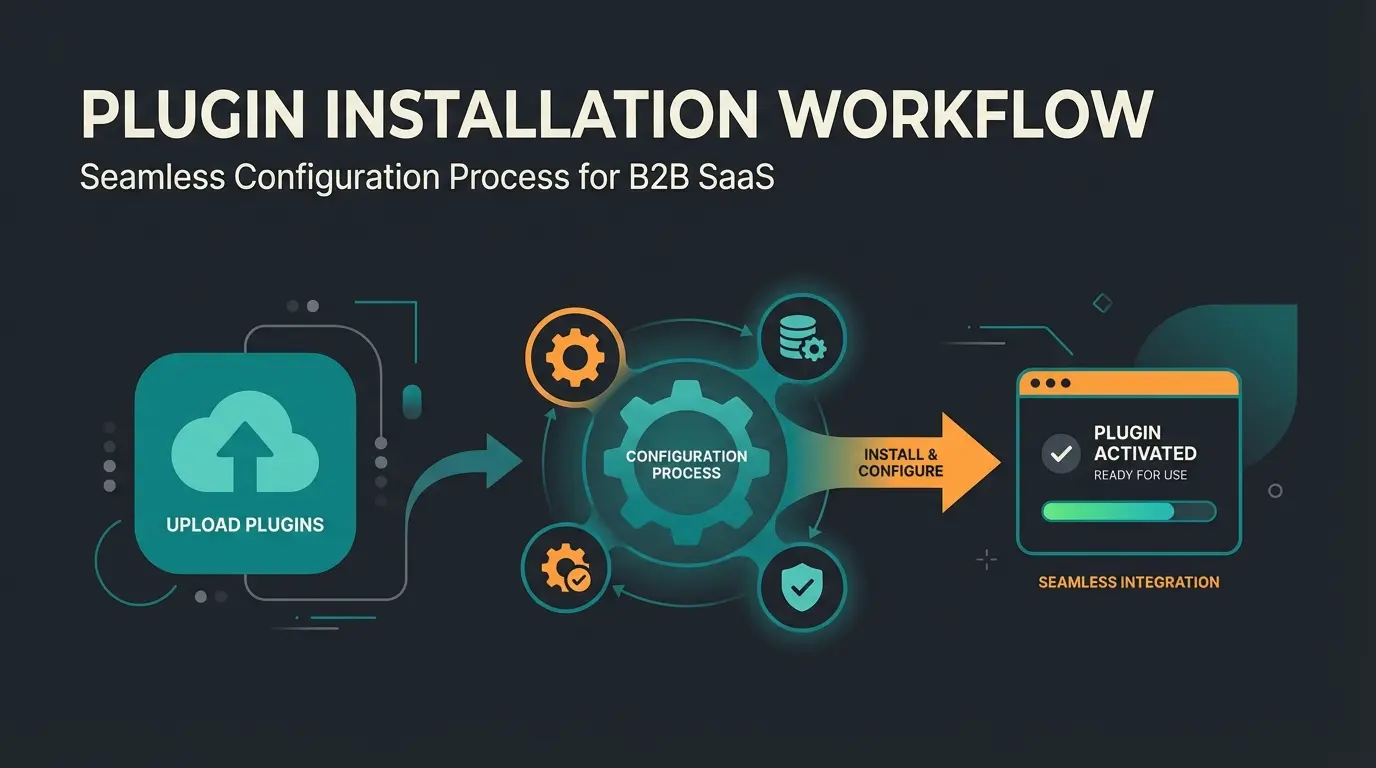
Executive Summary & Introduction
The search engine optimization (SEO) landscape for e-commerce has undergone a radical transformation in recent years. While shop owners previously focused primarily on stuffing keywords into meta tags, Google now evaluates websites increasingly based on user signals. Metrics such as dwell time, interaction rate, and bounce rate have become decisive ranking factors, as noted by AlmCorp and confirmed by research from MonsterInsights.
For Shopware 6 users, this means: a technical foundation is mandatory, but no longer sufficient to stand out. Most Shopware stores rely on the same 'Top 10' lists of technical helper plugins. However, to dominate rankings in 2025, you need a two-pillar strategy:
- The Technical Stack: Plugins for crawling, indexing, and SEO hygiene (sitemaps, redirects, canonical tags)
- The Engagement Stack: Tools that keep users on your site and foster genuine interaction
This article analyzes the best Shopware SEO plugins, bridges the gap between technical requirements and user-centric optimization, and shows how you can achieve a competitive advantage through AI-powered consultation (Consultational SEO) that traditional SEO tools completely ignore. If you're looking for a comprehensive overview, our Shopware SEO guide covers the fundamental principles in depth.
Pages with bounce rates above 53% see significant ranking drops
Users staying 3+ minutes signal high-quality content to Google
70% of users who click back to search results hurt your rankings
Why SEO in Shopware 6 Is Different
Before we dive into the plugin list, we need to understand why Shopware 6 places special requirements on SEO plugins. Unlike Shopware 5, version 6 is based on a modern architecture with Vue.js in the admin area and Twig in the frontend, as documented by Shopware and explored in detail by Yireo.
The Challenge: Single Page Application & Vue.js
Shopware 6 uses modern technologies that can present challenges for search engine crawlers. Although Shopware supports Server-Side Rendering (SSR) to make content readable for Google, there are pitfalls according to DebugBear and Shopware documentation:
- Dynamic Loading: Content that is only loaded via JavaScript (e.g., in Shopping Experiences/Erlebniswelten) is sometimes indexed by Google with a delay or not at all, as discussed on Quora and analyzed by WebsiteSEOChecker.
- URL Structure: Shopware's default URL structure is solid, but often not granular enough for complex category structures or filter navigations, as noted in Shopware documentation.
- Performance: The delivery of images and scripts must be highly optimized since Core Web Vitals (loading time, stability) are direct ranking factors, as confirmed by Analytify.
The Must-Have Technical Stack (The Foundation)
This section covers the indispensable plugins. Without these tools, you risk Google not technically understanding or indexing your site correctly. This is the foundation of your strategy.
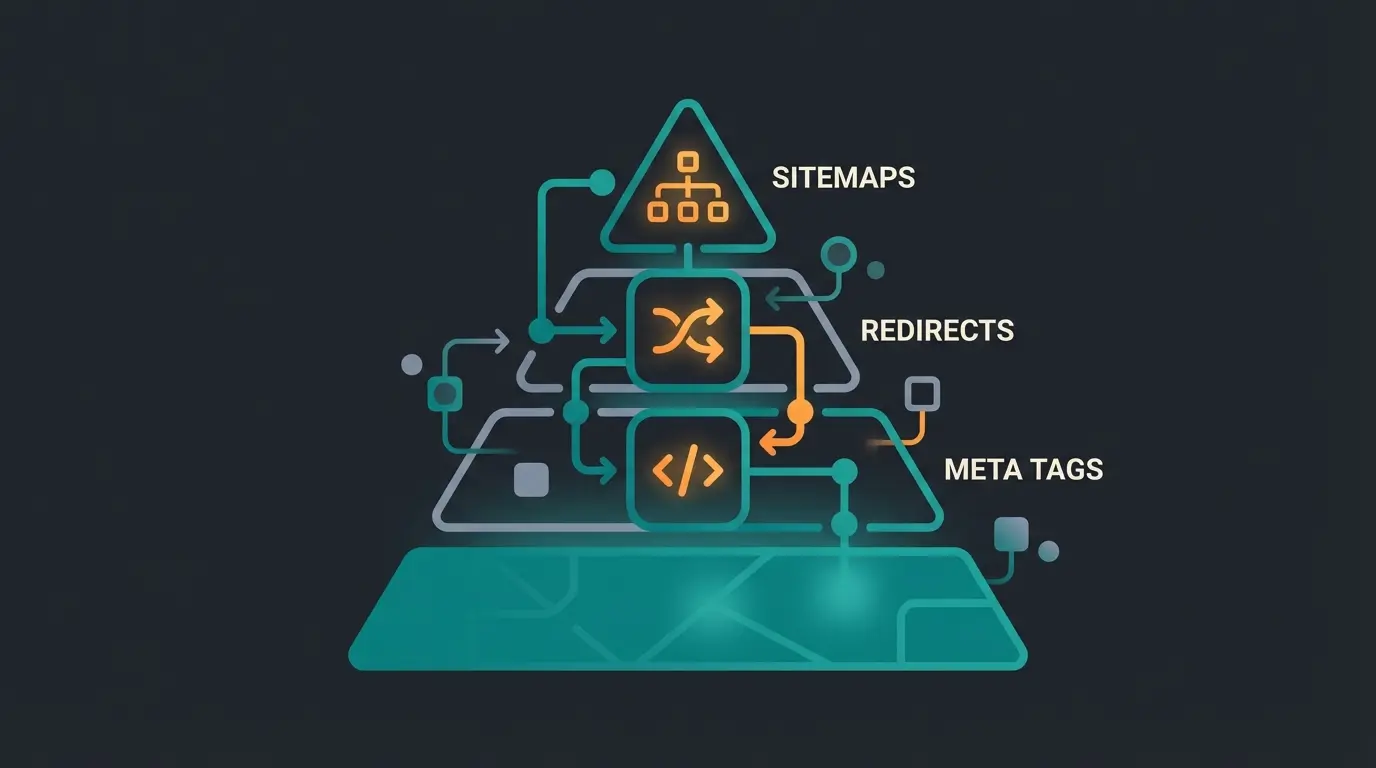
1. The Gold Standard: SEO Professional by Dreischild
If you search for 'Shopware SEO plugins,' there's no way around SEO Professional. It is the Swiss army knife for technical SEO in Shopware 6 and is rated as essential in almost all expert analyses, including reviews on the Shopware Store, Dreischild, and Elightwalk.
Why It's Indispensable
Shopware offers basic SEO settings out of the box. However, SEO Professional fills the gaps necessary for professional work. The bulk editing feature alone saves hours of manual work.
Core Features
- Bulk Generators: Create meta titles and descriptions for thousands of products based on intelligent templates (e.g., `{{ product.name }} | {{ product.manufacturer }} Buy Now`), as detailed on Shopware.
- SERP Preview: See directly in the backend how your snippet will appear on Google, including a pixel counter (more important than character counter since Google truncates by pixel width).
- Canonical & Robots Control: Prevent duplicate content by precisely controlling which variants should be indexed.
- OpenAI Integration: Newer versions offer AI support for generating meta data.
- Price: From approx. €33.25/month or one-time purchase
- Ideal for: Every shop with more than 50 products
2. The Traffic Director: SEO Redirect Plugins
Dead links (404 errors) are poison for your ranking and user trust. When you delete products or change URLs, redirects must be set up properly.
The Top Candidates
- SEO Redirect (Scope01): This plugin is often the first choice as it offers a solid free version (or very affordable basic version). It allows easy creation of 301 (permanent) and 302 (temporary) redirects directly in the admin area, as shown on Shopware. It also offers import/export functions, which is lifesaving during relaunches.
- SEO Redirect Pro (ACRIS): A powerful alternative that also manages 301/302 redirects and features like 404 logging to proactively find errors, as detailed on Shopware.
Why You Need It
Without a redirect plugin, you lose 'link juice' (the authority a page has built up) when a URL changes. Shopware has internal mechanisms, but these plugins give you full control and prevent redirect loops, as explained on Shopware.
3. The Mapmaker: Google Sitemap Professional
An XML sitemap is the roadmap for the Google bot. Shopware generates a sitemap by default, but for large shops (50,000+ articles), this often reaches its limits or doesn't update quickly enough.
Recommendation
Plugins like Google Sitemap Professional (Synergy Networks) or the Google Sitemap Generator (Pixup Media) offer advanced features as documented on Shopware Store:
- Splitting: Large sitemaps are divided into smaller chunks so Google can process them faster.
- Image Sitemaps: Essential for shops that want to generate traffic via Google Image Search, as shown on Shopware.
- Exclusion Logic: Define exactly which categories or landing pages should not be in the sitemap (e.g., pure service pages or ad landing pages).
The New Wave of SEO: Engagement & User Signals
This is where the wheat separates from the chaff. The plugins mentioned above ensure you get found (ranking). The following tools ensure you stay on top (ranking stability through user signals).
The Problem: Zero-Click and Pogo-Sticking Danger
Google increasingly analyzes in 2025 how users interact with your site, as noted by JeffreyAI:
- Pogo-Sticking: A user clicks on your result, doesn't immediately find what they're looking for, and clicks 'Back' to Google immediately. This is a fatal signal for your ranking.
- Dwell Time: The longer a user stays on your page and interacts, the more relevant Google rates your content.
Most Shopware shops are static catalogs. The user must search, filter, and read on their own. This is passive and often frustrating. Understanding AI e-commerce trends is crucial for staying competitive.
The Solution: AI Consultation as Engagement Engine
Instead of just generating text for Google (which many 'AI SEO plugins' do), you should use AI to advise the user. This is where modern AI product consultation becomes a game-changer.
The Concept: Consultational SEO
Imagine your plugin is not just a tool in the backend, but a salesperson in the frontend. This approach transforms passive browsing into active engagement.
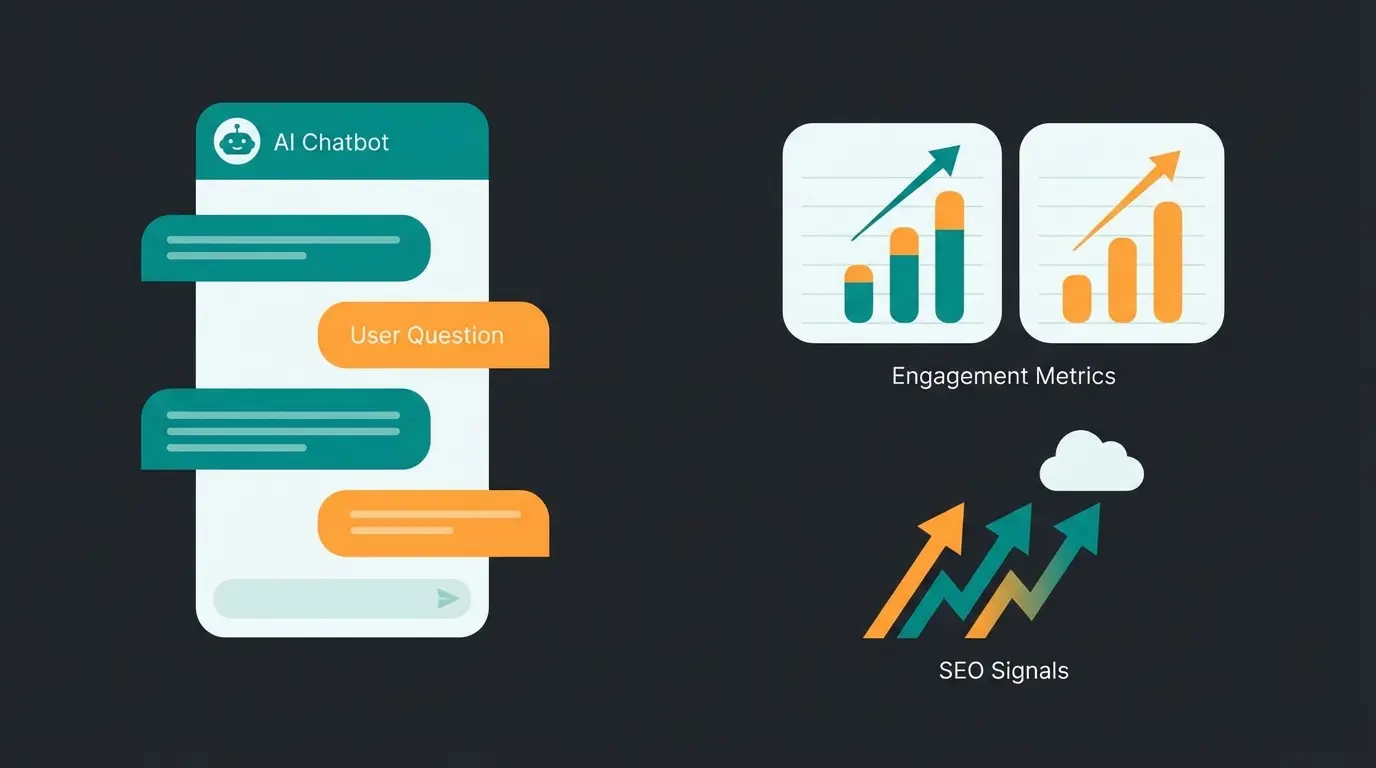
- Function: An AI-powered advisor (e.g., integrated via chat plugins or interactive buying guides) that proactively asks the user: 'Are you looking for running shoes for asphalt or forest trails?'
- SEO Effect 1 - Increased Dwell Time: The user interacts immediately instead of scanning and bouncing.
- SEO Effect 2 - Reduced Bounce Rate: The interaction binds the user to the page.
- SEO Effect 3 - Long-Tail Signals: Through questions and answers, dynamic content is created that is highly relevant for specific search queries.
Plugin Recommendations for Engagement
While there are still few dedicated 'SEO engagement plugins,' you can achieve this function through a combination of tools. Modern Shopware AI chatbots offer the most effective approach:
- AI-Powered Product Consultation: Implement intelligent chatbots that guide users through product selection, answering questions and keeping them engaged. Unlike generic chatbots, consultative AI understands product context and provides personalized recommendations that dramatically increase time-on-site.
- Intelligent Search & Filter (e.g., Doofinder or Elasticsearch): These are often not seen as SEO plugins, but they are. When a user finds the right product immediately thanks to Elasticsearch (via Shopware Enterprise or plugins), it massively improves user signals, as discussed by CodeCommerce Solutions.
- Interactive Advisor Tools: Plugins that enable 'Guided Selling' (e.g., 'Product Advisor' extensions) drastically increase time-on-site. An effective AI product finder can transform how customers discover products.
Stop losing customers to bounce rates. Our AI-powered consultation tool keeps visitors engaged, increases dwell time, and sends powerful ranking signals to Google.
Start Your Free TrialContent & Image Optimization (Speed & Structure)
Performance is a direct ranking factor. A slow shop gets penalized, no matter how good the keywords are. This directly impacts your Shopware product optimization efforts.
1. Image Compression: Tinify / TinyPNG
Images are often the biggest bottleneck in Shopware shops. Proper optimization is essential for success.
Recommendation: The Tinify (TinyPNG) plugin for Shopware 6, as featured on Shopware Store.
- Function: It compresses images (JPG, PNG, WebP) automatically upon upload or via batch process in the background, as shown in Shopware documentation.
- SEO Benefit: Faster loading times (LCP - Largest Contentful Paint) lead to better Core Web Vitals scores.
- Costs: Plugin often cheap; service costs a small fee after 500 images/month.
2. Content Structuring: CMS Extensions
Shopware 6 uses 'Shopping Experiences' (Erlebniswelten). By default, these are often not SEO-optimized (e.g., missing H1 tags or nested div structures).
- Solution: Use plugins like 'SEO for Shopping Experiences' or specialized CMS blocks that enforce semantic HTML (H1, H2, H3).
- Blog: Shopware 6's standard blog is rudimentary. Plugins like 'Blog for Shopware 6' (often available from agencies or in the store) help build a real content strategy with categories, tags, and internal linking, as noted by Firebear Studio.
Comparison: Technical vs. Engagement SEO
To illustrate the necessity of both approaches, here's a direct comparison. You need both to win in 2025.
| Feature | Standard SEO Plugin (e.g., SEO Professional) | Engagement / AI Approach (e.g., Guided Selling) |
|---|---|---|
| Primary Goal | Indexing & Crawling (helping Google understand) | Retention & Conversion (keeping users) |
| Metric | Click-Through-Rate (CTR) in SERPs | Dwell Time & Bounce Rate |
| Effect | "Google knows what this page is about." | "Google notices that users love this page." |
| Interaction | Passive (user reads meta description) | Active (user clicks, filters, chats) |
| Example | Automatic setting of canonical tags | AI advisor asks about use case |
Install SEO Professional for clean meta data and canonicals. Use SEO Redirect to eliminate 404 errors. Set up a sitemap that updates cleanly.
Optimize images with Tinify. Use CMS extensions to make text readable and structured (H1-H3). Ensure GDPR compliance with Cookiebot or CCM19.
Integrate interactive elements (buying advisors, AI search, chatbots). Goal: Keep users on the page 3+ minutes viewing 4+ pages.
Implementation Guide for Germany (GDPR Compliance)
An often overlooked SEO factor is trust. In Germany, GDPR (DSGVO) is strict. A shop that appears legally uncertain or uses aggressive, non-compliant cookie banners creates high bounce rates. Proper Shopware hosting is also essential for compliance and performance.
Cookie Consent as an SEO Factor
Google needs data to measure conversions (Google Consent Mode v2). If your cookie banner is poorly configured, you lack data, and Google cannot assess the quality of your traffic.
Recommended Plugins
- Cookiebot Integration: A market leader. The plugin integrates Cookiebot seamlessly into Shopware 6. It ensures that scripts are only loaded after consent (important for Core Web Vitals, as blocking scripts can ruin loading time), as discussed by Mission-OM, Erock Marketing, and iCreative Technologies.
- CCM19: A strong German alternative that is often more privacy-friendly and performant since it can be hosted locally (depending on the version), as shown on CCM19.
- Usercentrics: Also widely used and offers solid integrations for Shopware, as documented on Shopware.
The Holistic SEO Stack Strategy (Summary)
Think of your SEO strategy like a pyramid. Most shop owners only build the foundation. To be visible in 2025, you need to reach the peak. Understanding Shopware structured data is also crucial for this comprehensive approach.
1. The Foundation (Technical)
- Install SEO Professional for clean meta data and canonicals.
- Use SEO Redirect to eliminate 404 errors.
- Set up a Sitemap that updates cleanly.
2. The Structure (Performance & Content)
- Optimize images with Tinify.
- Use CMS extensions to make text readable and structured (H1-H3).
- Ensure GDPR compliance with Cookiebot or CCM19 to build trust and not block loading times with unnecessary scripts.
3. The Peak (Engagement & Signals)
This is your opportunity. Integrate interactive elements (buying advisors, AI search, chatbots). Modern AI chatbots for e-commerce are transforming how customers interact with online stores.
Goal: Keep the user on the page. A user who stays 3 minutes and views 4 pages is, for Google, the strongest signal that your site is relevant. Optimizing your Shopware category pages is equally important for this engagement strategy.

Conclusion: Audit Your Dwell Time
Technical SEO plugins are no longer a 'secret weapon' in 2025—they are the entry ticket. Every one of your competitors uses them. The true competitive advantage lies in the combination of technical excellence and excellent user experience.
Action Recommendations
- Check your Google Search Console: Do you have many impressions but a low CTR? -> Optimize with SEO Professional.
- Check Google Analytics (GA4): Is your engagement rate low (below 50%)? -> Invest in Engagement Tools and content optimization.
Start today not just with installing a plugin, but with a mindset shift: SEO is no longer what you do for the bot, but what you do for the user.
Before & After: User Journey Comparison
To visualize the difference engagement makes, consider these two scenarios:
Visitor arrives from Google search result
User struggles to navigate filters and categories
Leaves within 30 seconds—sending negative SEO signal to Google
Visitor arrives from Google search result
Chatbot asks: 'Which ski boot is best for beginners?'
AI provides tailored product suggestions
Views product, reads reviews—sends powerful positive SEO signal
Frequently Asked Questions
Shopware 6 provides a solid foundation with basic SEO features like URL management and meta tag fields. However, for competitive markets, you'll need additional plugins to handle bulk optimization, advanced redirects, and engagement tracking. The native features are sufficient for small shops, but scaling requires the tools covered in this guide.
It depends on your shop size. For stores with fewer than 50 products, free plugins may suffice. However, for larger catalogs, the time savings from paid plugins like SEO Professional (bulk editing, SERP preview) typically justify the investment within weeks. The ROI comes from hours saved on manual meta tag editing alone.
AI consultation tools improve rankings by positively influencing user signals that Google tracks: dwell time, pages per session, and bounce rate. When a visitor interacts with an AI advisor for 2-3 minutes instead of bouncing in 10 seconds, Google interprets this as a signal of high-quality, relevant content—boosting your search positions over time.
For German shops, CCM19 is often preferred due to its local hosting options and strict GDPR alignment. Cookiebot is the international standard with excellent Shopware integration. Both support Google Consent Mode v2, which is essential for maintaining accurate analytics data while respecting user privacy preferences.
Check for updates monthly and apply them quarterly at minimum. Plugin updates often include compatibility fixes for new Shopware versions, security patches, and new features. Before major updates, always test in a staging environment—especially for SEO plugins, as misconfigured redirects or meta tags can significantly impact rankings.
Don't just optimize for Google—optimize for your customers. Our AI consultation platform transforms passive visitors into engaged buyers while sending powerful ranking signals. Join hundreds of Shopware stores already seeing results.
Get Started Free Today