Why Your Shopware Newsletter Is Probably a Dead End
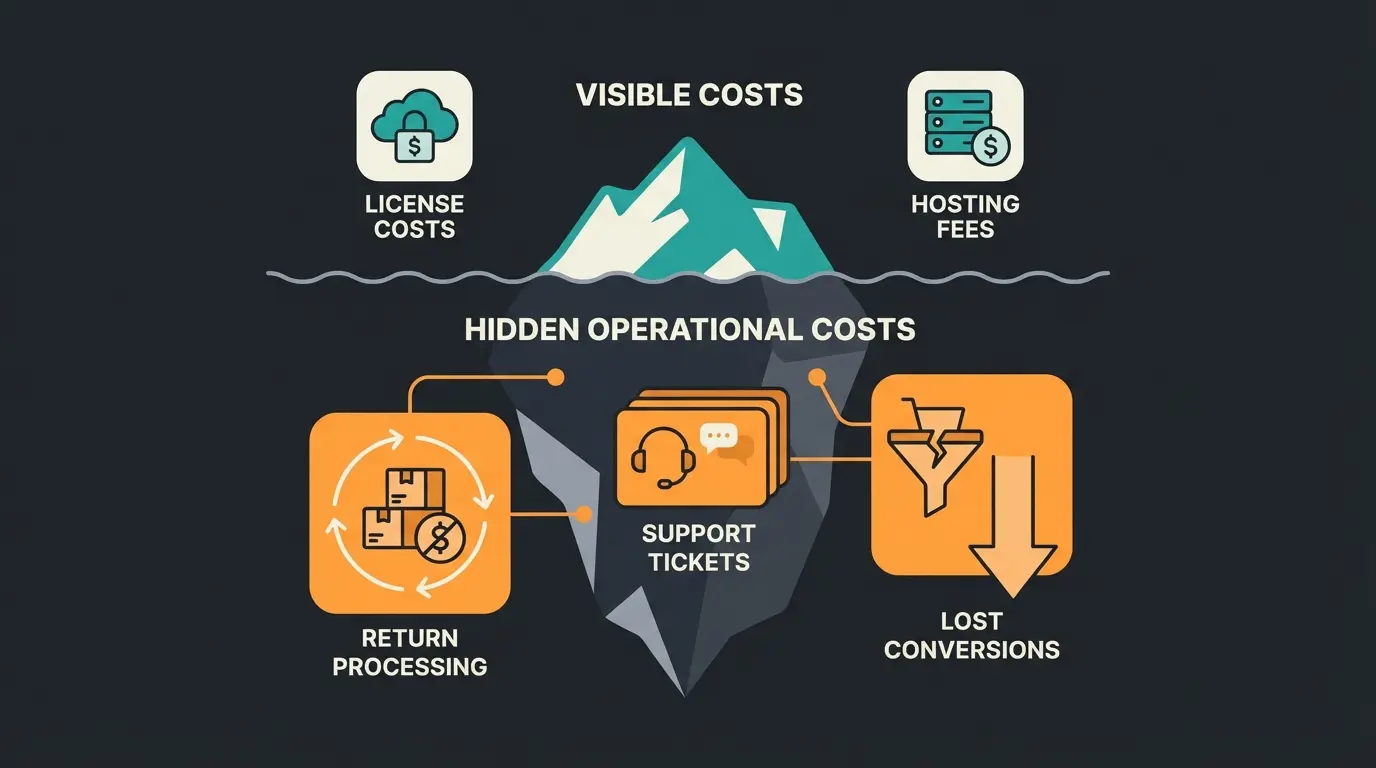
Let's be honest: How often have you opened a newsletter in the past few weeks, briefly skimmed through it, and then deleted it? The answer is probably "often." According to newsletter-tool-vergleich.ch, the average open rate for email marketing in the DACH region currently sits at approximately 23.3%. This means that more than three-quarters of your efforts go unseen.
But the real problem runs deeper. Even when the customer clicks, they usually end up in a "dead end." They click on an offer for "running shoes," land on a static category page, and stand there alone, left to choose from 50 different models. Do they have a question about cushioning? Are they unsure about sizing? The newsletter brought them to the door, but nobody welcomed them inside.
In this comprehensive guide, we won't just cover how to technically set up your Shopware newsletter flawlessly (although we'll cover that in detail too). We're taking a decisive step further. We'll show you how to transform your newsletter from a pure "sales channel" into an interactive consultation channel with the help of AI-powered product consultation.
We'll analyze why standard tools are good for sending but insufficient for selling, and how you can use AI consultation to build a bridge that transforms clicks into genuine customer relationships.
Setting Up Your Shopware 6 Newsletter (Step-by-Step)
Before we dive into advanced strategies, the fundamentals must be addressed. Shopware 6 offers an "out-of-the-box" functional newsletter management system that, however, must be correctly configured to run both technically clean and legally compliant.
Technical Preparation: Forms and Shopping Experiences
Unlike Shopware 5, the newsletter form in Shopware 6 is deeply integrated into the Shopping Experiences system. There's no longer an isolated "newsletter page" but rather blocks that you can flexibly position anywhere in your store.
Step-by-Step Instructions
- Create Category: Under Catalog > Categories, create a new category (e.g., "Newsletter Registration"). Important: Hide this category from navigation if it should only be accessible via the footer. According to 8mylez.com, this is a common approach for streamlined navigation.
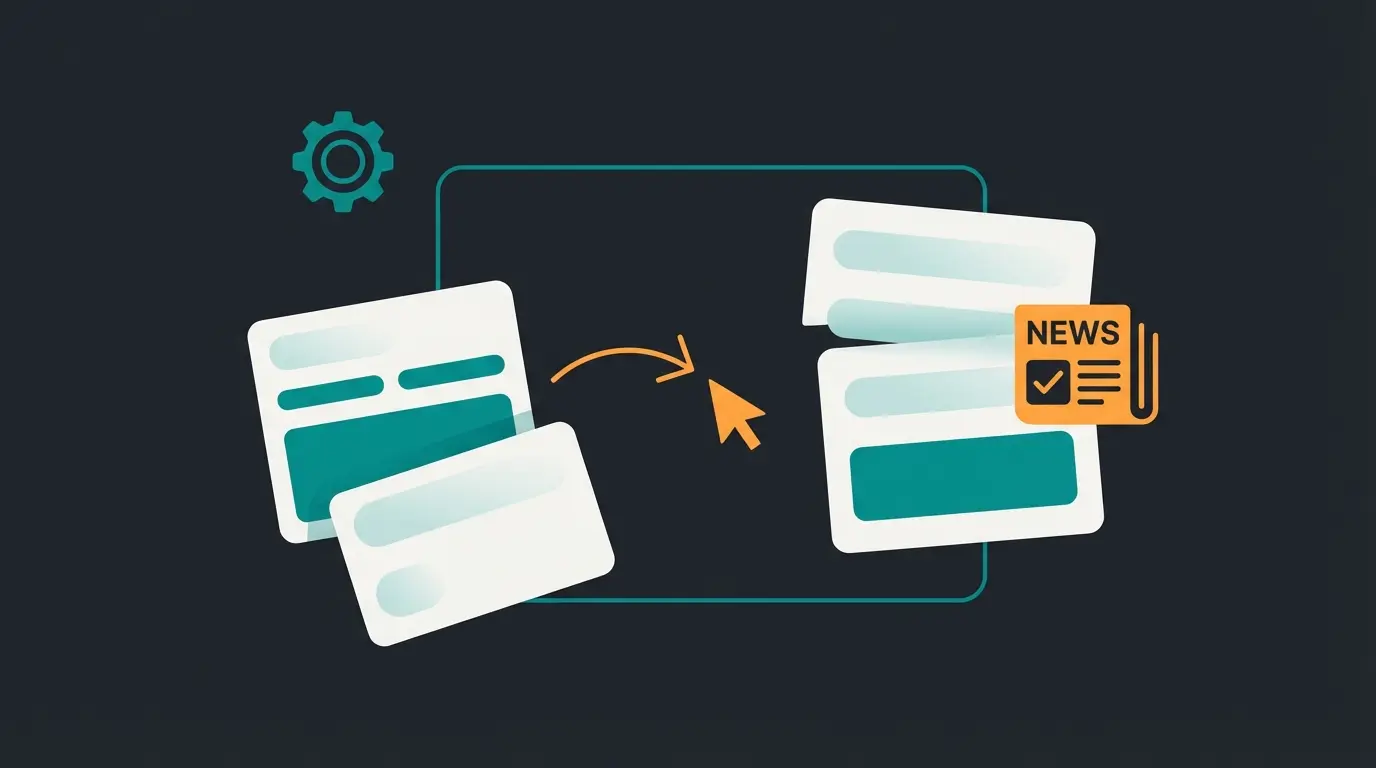
- Create Layout: Navigate to Content > Shopping Experiences. Create a new layout (Type: Shop Page).
- Insert Form: Select the "Form" category from the block library. Drag and drop the block into your layout. Critical: Click on the gear icon of the block. Under "Content," you must explicitly set the form type to "Newsletter". By default, "Contact" is often pre-selected, as noted by Pure Media Solutions.
- Assignment: Assign this layout to the category you created in step 1.
Footer Integration for Maximum Visibility
To ensure customers can find your form, the footer is the classic location. Navigate to Settings > Shop > Basic Information and select the desired layout for the footer, or edit the navigation under Catalog > Categories that is assigned to the footer entry point.
GDPR and Double Opt-In: The Critical Factor
In Germany and the EU, the Double Opt-In procedure (DOI) is legally required. This means: After registration, the user must receive a confirmation email and click a link. Without this step, you are not permitted to send marketing emails.
How to Activate DOI in Shopware 6
- Navigate to Settings > Shop > Newsletter
- Select the sales channel (or "All Sales Channels")
- Check the box for "Double Opt-in" as documented in the official Shopware documentation
- Optional but recommended: Activate "Double Opt-in for registered customers" to be on the safe side with existing customers as well
The Limits of Standard Newsletters
You've now set up the form and are collecting email addresses. But this is often where the capabilities of the Shopware standard end. To remain competitive in 2025, you need to understand the limitations of the system.
The "One-to-Many" Problem
The standard newsletter in Shopware (or simple external tools) is based on the principle of "one sends to many." You create one piece of content (e.g., "Summer Sale: 20% off everything") and send it to thousands of recipients.
- The Problem: Relevance. A customer currently searching for winter boots doesn't feel addressed by the summer sale—or worse, feels annoyed.
- The Consequence: Declining open rates and increasing unsubscribe rates.
Static Segmentation vs. Real Intelligence
While you can create customer groups in Shopware using the Rule Builder (e.g., "Customers who spent >€100"), this data is historical. You know what the customer did, but not what they want right now.
Standard tools don't know that customer Miller, who usually only buys wine, is suddenly looking for a gift for a whisky enthusiast today. A newsletter offering him more wine misses the mark entirely. This is where AI product consultation becomes transformative.
The Missing "Post-Click" Experience
This is the biggest gap in almost all e-commerce strategies. The newsletter is optimized, the subject line A/B tested. But what happens after the click?
The customer lands on a static product or category page. They're on their own again. If they have a question, they must actively seek support (a hurdle!) or they abandon. This is where shops lose the majority of the traffic they paid for through the newsletter.
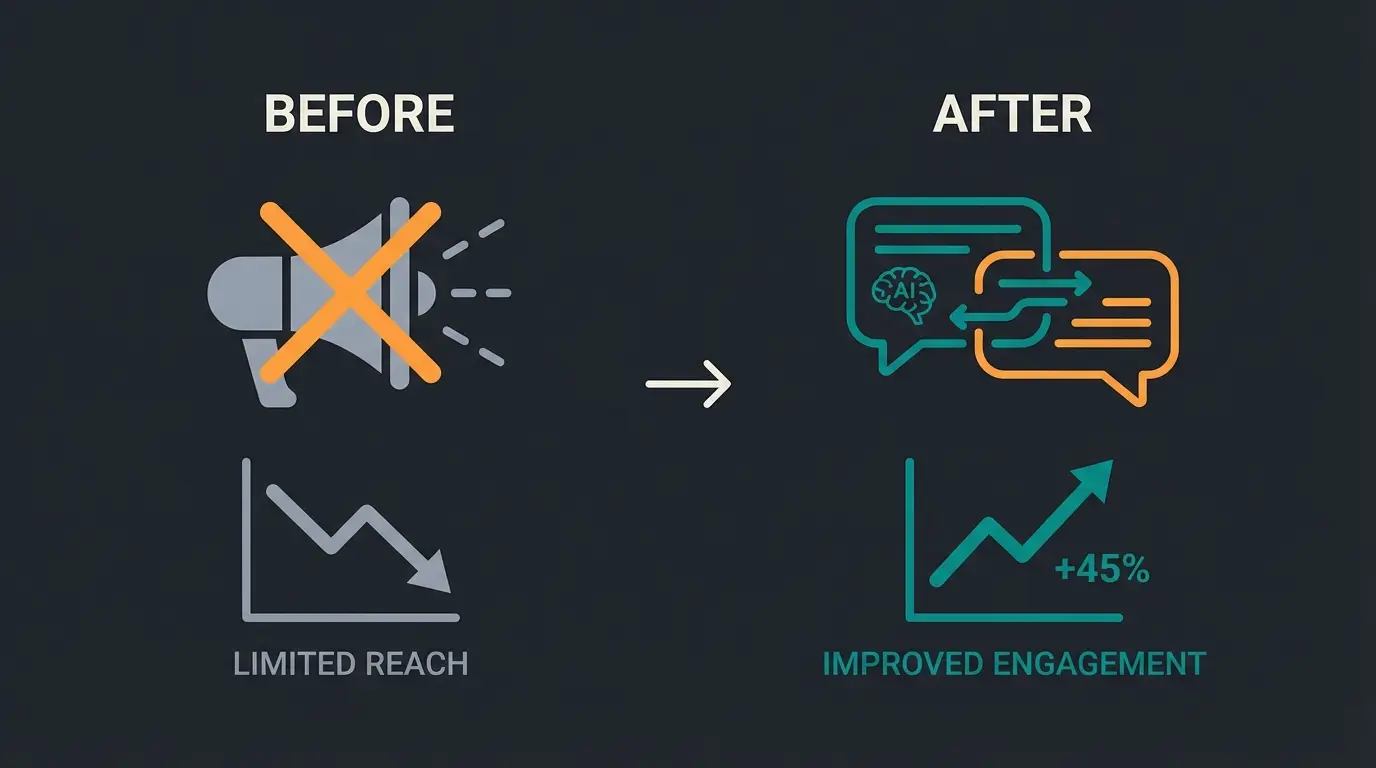
Only about 1 in 4 newsletters are opened in the DACH region
More than three-quarters of your email marketing efforts go unnoticed
Standard newsletters lose most visitors after the click on static pages
From Newsletter to Product Consultation Strategy
Here lies your "Blue Ocean"—the opportunity to differentiate from the competition. Stop viewing the newsletter as an advertising brochure and start seeing it as an invitation to a consultation conversation.
The Consultation Loop Concept
Instead of pushing products directly, pitch a solution or consultation in your newsletter.
- Old (Push): "Buy this anti-aging cream for €50."
- New (Consultation): "What's your real skin type? Take the 30-second quiz and find your perfect skincare."
Why AI Makes the Difference
Previously, individual consultation in e-commerce wasn't scalable. You couldn't place a human salesperson behind every newsletter click. With modern AI-powered sales consultants, this changes radically.
The New Workflow
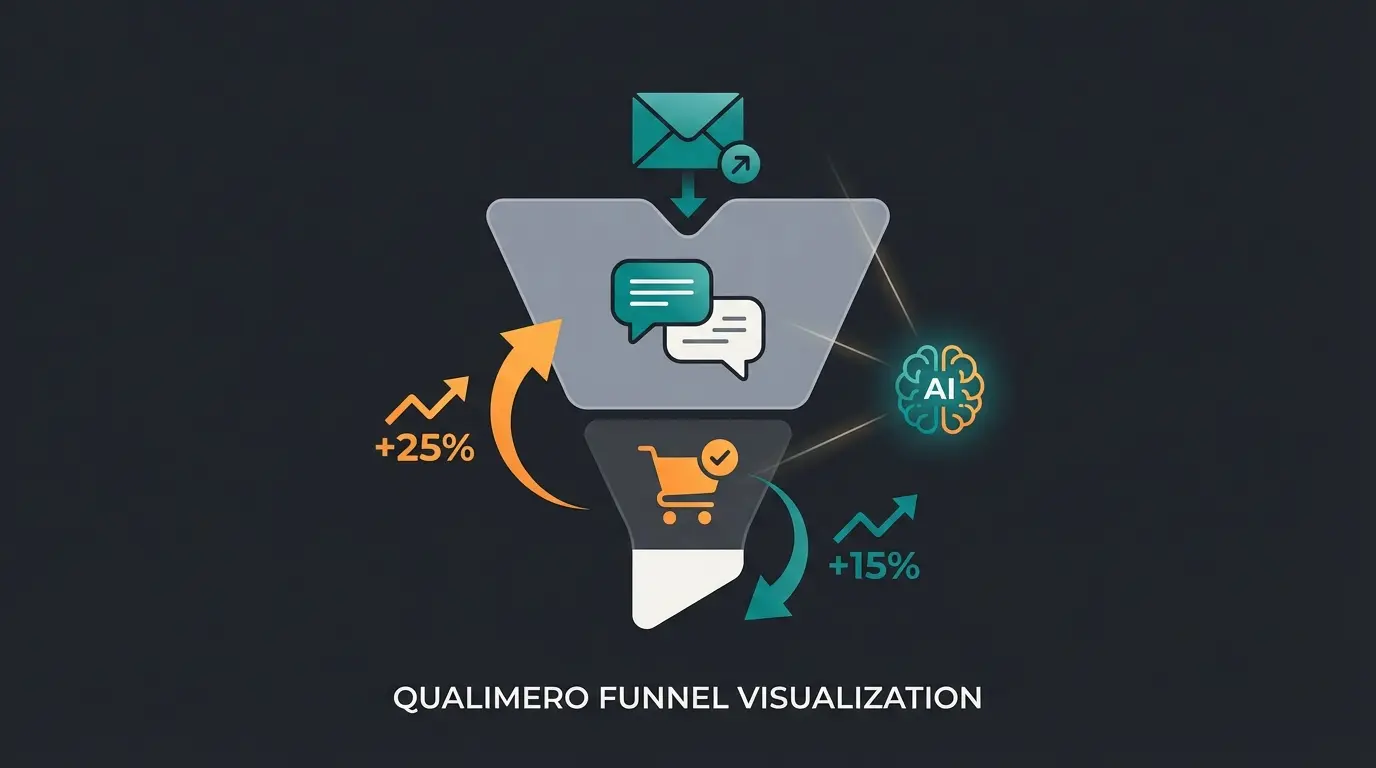
- Newsletter Trigger: The customer clicks on a topic (e.g., "Find running shoes")
- Landing Page with AI: They don't land on a list, but on a page where an AI Product Advisor proactively opens
- Interaction: The AI asks: "Do you run more on asphalt or in the forest?" (Context understanding)
- Recommendation: Based on the answer, the AI suggests one suitable product, not twenty
- Conversion: The probability of purchase increases massively because the customer feels understood
Zero-Party Data Activation
The brilliant side effect: The answers the customer gives the AI (e.g., "I run in the forest") are pure gold. This data can flow back into your email marketing tool via APIs. The next newsletter to this customer then automatically deals only with "outdoor equipment" and no longer with "street running shoes." That's real personalization powered by AI sales assistants.
"New Ski Collection" with CTA: "Help me choose"
Immediate engagement: "I see you're looking at skis. What is your skill level?"
Based on answers, AI suggests the perfect product match
Higher purchase probability through guided consultation experience
Tech Stack: The Perfect Symbiosis
To implement this strategy, you need the right combination of tools. It's a misconception that one tool must do everything. We separate between sending (Delivery) and consultation (Conversion).
Sending: Rely on Specialists
Shopware itself doesn't have a professional sending engine (no reputation management, no detailed bounce logs). Use established German providers that integrate seamlessly.
CleverReach: The Market Leader in Germany
- Advantages: Deep Shopware 6 integration, pulls product data directly into the newsletter editor, extremely high deliverability, GDPR-compliant according to CleverReach's own documentation
- Best for: Shops that want to build visually appealing drag-and-drop newsletters
Rapidmail: Made in Germany
- Advantages: Very strong focus on data protection ("Made in Germany"), transactional emails included, often more intuitive for beginners as noted by Shopware Store listings
- Best for: SMEs looking for a simple, legally compliant solution
Conversion: AI Plugins for Shopware
Here's where innovation comes into play. While CleverReach sends the email, the AI plugin on the shop page handles the reception.
- AI Product Advisor (e.g., from qualimero or similar store plugins): These plugins integrate ChatGPT-like dialogues directly into Shopping Experiences. They access your product data and advise the customer in real-time according to Shopware Store AI plugins.
- Shopware AI Copilot: Use Shopware's native AI features (from the "Rise" plan onwards) to generate product descriptions or summarize reviews, which you can then incorporate as content snippets into your newsletter according to Communicode.
| Feature | Shopware Standard Only | Classic Email Marketing | AI-Consultation Strategy |
|---|---|---|---|
| Sending Reliability | Low (runs via webserver) | High (whitelisted servers) | High (uses external tool) |
| Segmentation | Basic (Rule Builder) | Advanced (click behavior) | Hyper-Personalized (via AI dialog data) |
| User Experience | Static (link to category) | Static (link to category) | Interactive (dialog after click) |
| Consultation Level | None (self-service) | None (self-service) | High (real-time problem solving) |
| Goal | Distribute information | Generate traffic | Solve problems & convert |
Stop losing traffic after the click. Let AI consultation convert your newsletter visitors into customers with personalized product advice.
Start Free AI Consultation TrialAutomation with the Shopware Flow Builder
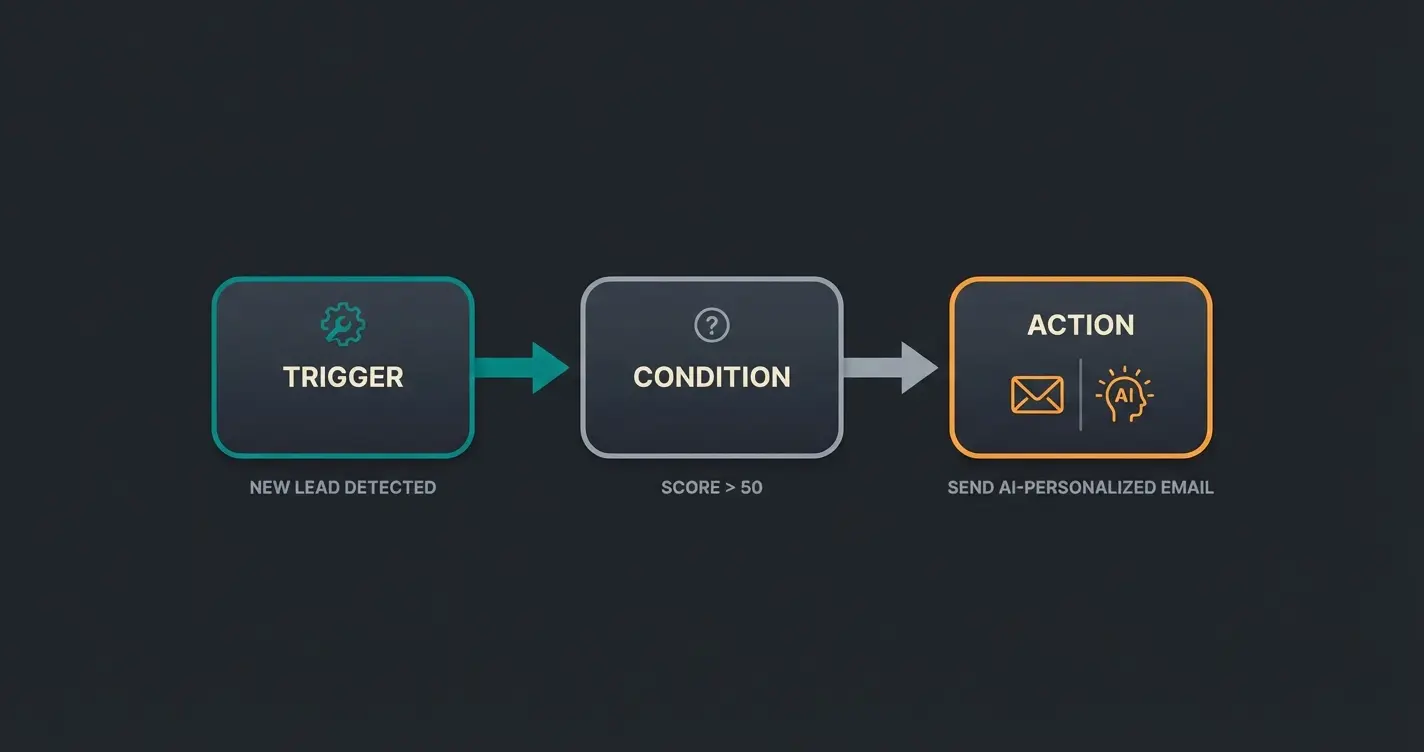
For advanced shop operators, the Flow Builder in Shopware 6 is the most powerful tool for automating newsletter marketing. Here you connect events in the shop with your email tool, creating an AI-powered consultation hub that works around the clock.
What is the Flow Builder?
The Flow Builder allows you to define business processes according to the principle "If X happens, then do Y"—completely without programming, as documented by Solution25.
Practical Example: The VIP Welcome Flow
Imagine a customer signs up for the newsletter. Instead of just sending the standard confirmation, we want to differentiate.
- Trigger: `newsletter.confirm` (Newsletter confirmed)
- Condition (Rule Builder): Is the customer already registered AND have they already made a purchase?
- Action A (Yes): Send email "Welcome back to the VIP circle" (with 10% loyalty discount). Additional: Add tag "VIP-Newsletter" to the customer.
- Action B (No): Send email "Welcome! Here's our beginner's guide" (content focus).
Integrating AI into the Flow
If you use an AI plugin that assigns tags to customers (e.g., Tag: "Interest in Vegan Products"), you can react to this tag in the Flow Builder. This approach transforms standard newsletters into revenue-generating product consultants.
- Trigger: `state_enter.order_transaction.state.paid` (Order paid)
- Condition: Customer has tag "Vegan"
- Action: Automatically send an email with matching vegan recipes after 7 days (cross-selling without "sales pressure")
B2B Special: Newsletters for Complex Sales Cycles
In the B2B sector, "20% discount" newsletters rarely work. Here it's about trust, specifications, and long-term relationships. Shopware 6 is strong in the B2B sector, and your newsletter strategy should reflect that, especially when combined with AI consulting in e-commerce.
The Digital Sales Room Strategy
Shopware offers "Digital Sales Rooms"—a feature for guided sales presentations.
- Idea: Use the newsletter not to show products, but to schedule appointments for a Digital Sales Room.
- AI Application: An AI bot can qualify in advance. "Are you looking for spare parts for Machine A or B?"—The answer determines which sales representative takes the appointment.
Automated Replenishment Orders
In B2B, consumables are often needed in fixed cycles.
- Use the Flow Builder to automatically send a reminder email based on the last purchase date (e.g., 30 days ago): "Do you need a refill for item XY?"
- This isn't an annoying newsletter, but a valued service that exemplifies 24/7 product consultation at its finest.
Common Problems and Troubleshooting
Even with the best planning, things can go wrong. Here are the most common stumbling blocks with Shopware newsletters and their solutions.
Double Opt-In Mail Not Arriving
This is the most common problem in forums according to Shopware community discussions.
- Cause: Often the correct email template is not assigned in the Business Event, or the mailer adapter (SMTP) is not configured correctly.
- Solution: Check under Settings > Flow Builder whether the flow for `newsletter.register` is active and contains a "Send Email" action. Also check the SMTP settings under System > Mailer.
Newsletter Landing in Spam
- Cause: Missing SPF/DKIM entries in your DNS settings.
- Solution: If you're sending via the web server (not recommended), you must contact your host. Better: Use external SMTP services (like SendGrid, Amazon SES) or plugins like CleverReach that use their own certified servers.
Form Not Displayed in Shopping Experiences
- Cause: The form was inserted but not assigned to any sales channel, or the category is inactive.
- Solution: Check the visibility of the category and ensure that the Shopping Experiences element has a valid recipient address (for contact forms) or the correct action (for newsletter) configured in "Settings."
FAQ: Shopware Newsletter Questions Answered
Yes, Double Opt-In (DOI) is legally required in Germany and the EU for all marketing emails. Without the confirmation click in the DOI email, you are not permitted to send marketing newsletters. Shopware 6 supports this feature natively, but you must explicitly enable it under Settings > Shop > Newsletter.
The default Shopware newsletter function is suitable for basic newsletter collection and simple mailings. However, for professional email marketing with advanced segmentation, A/B testing, and high deliverability, you should use specialized tools like CleverReach or Rapidmail. These integrate seamlessly with Shopware while providing professional sending infrastructure.
AI consultation bridges the gap between newsletter click and purchase by providing immediate, personalized product advice when visitors land on your shop. Instead of facing a static product page alone, customers are greeted by an AI assistant that understands their needs and guides them to the perfect product, significantly increasing conversion rates.
The Rule Builder creates conditions and customer segments based on data (e.g., customers who spent over €100). The Flow Builder automates actions based on triggers (e.g., when a customer confirms their newsletter subscription, automatically send a welcome sequence). They work together: the Flow Builder can use Rule Builder conditions to trigger differentiated actions.
To improve deliverability: 1) Use a professional email service like CleverReach instead of sending through your webserver, 2) Configure proper SPF and DKIM records in your DNS settings, 3) Maintain list hygiene by removing inactive subscribers, 4) Ensure consistent sending patterns, and 5) Always include a working unsubscribe link in every email.
Conclusion: Start the Dialog
The classic "broadcast" newsletter is dying a slow death. In a world of information overload, the merchants who win are not those who shout the loudest, but those who listen the best.
With Shopware 6, you have the technical foundation. With tools like CleverReach or Rapidmail, you secure professional delivery. But only through the integration of AI consultation on your shop page—through active product consultation—do you bridge the gap between the click in the inbox and the purchase at checkout.
The future belongs to stores that combine active product advice with smart email marketing. Those who implement secure product consultation while maintaining GDPR compliance will build lasting customer relationships that drive sustainable revenue growth.
Your Checklist for Today
- Check whether Double Opt-In is active (legal compliance)
- Set up a Welcome Flow in the Flow Builder (automation)
- Test an AI plugin to intelligently receive newsletter traffic on your site (conversion)
Stop sending messages. Start having conversations.
Join forward-thinking e-commerce brands using AI consultation to convert newsletter subscribers into loyal customers. No more dead-end clicks.
Get Started with AI Consultation