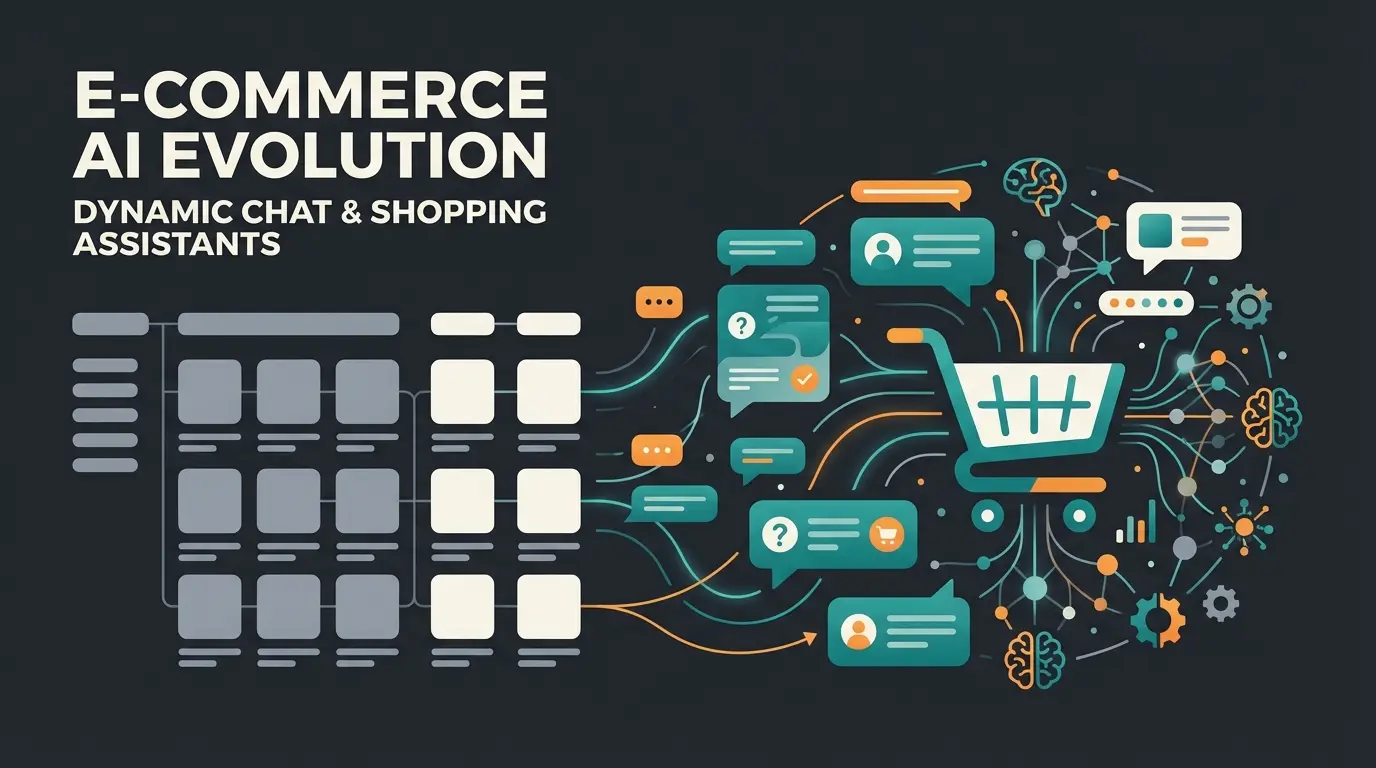
Key Points at a Glance
Before diving deep into the world of Shopware documentation, let's establish the framework that makes this guide different from any other resource you'll find:
- Central Hub Approach: This article serves as a 'meta-guide' that centralizes and structures the scattered resources of Shopware documentation (Docs, Developer Portal, GitHub, Academy) into one navigable resource.
- Audience Separation: We strictly distinguish between resources for merchants (configuration, sales) and developers (API, plugins, architecture) to manage information overload effectively.
- Shopware 5 vs. 6 Reality: The article acknowledges the End-of-Life status of Shopware 5 (July 2024) and focuses on Shopware 6 while providing legacy links for those planning migration.
- The Consultation Pivot: We reveal where static documentation ends and dynamic AI consultation begins. While Shopware Docs explain setup, they often miss the bridge to the customer.
- AI Differentiation: Clear distinction between the native 'Shopware AI Copilot' (backend assistance for merchants) and external AI solutions for frontend customer consultation.
Introduction: Your Compass in the Information Jungle
Shopware is one of the most powerful e-commerce systems on the market. With the flexibility of Shopware 6, its API-first approach, and a massive community comes an inevitable side effect: the amount of information is gigantic. Anyone searching Google for "Shopware documentation" often finds themselves in a labyrinth of outdated forum posts, technical GitHub repositories, and various versions of the official manual.
For shop operators and developers, time is money. Every minute you spend searching for the right API endpoint or the correct setting for VAT calculation is time taken away from your operational business. According to Shopware, keeping up with platform updates alone requires significant documentation awareness.
This guide is different. It's not a replacement for the official manual – it's your navigator. We've curated, filtered, and structured the most important resources. Whether you're a marketing manager wanting to build a landing page or a developer writing a complex plugin, you'll find the direct entry point here.
But we go one step further. In an era where customers expect instant answers, static documentation – whether for your team or your customers – is often no longer sufficient. That's why we also illuminate why the classic 'search the manual' approach is an outdated model and how AI-powered consultation bridges the gap between technical documentation and genuine sales experiences.
Shopware 6 vs. Shopware 5: Understanding the Documentation
Before we dive into the links, we need to make the most important distinction: versioning. Many search queries still land on Shopware 5 content, even though that system's era has officially ended.
The Status Quo: Shopware 5 End-of-Life (EOL)
It's important to face reality: official support for Shopware 5 ended in July 2024, as confirmed by both Shopware and endoflife.date. This means:
- No more regular updates from Shopware
- Security updates only through external partners (like Safefive) or community forks
- Documentation is 'frozen' and will not be expanded
If you're still running Shopware 5, your primary focus should be on migration. The documentation for this is still available but serves almost exclusively the purpose of safely transferring data to Shopware 6.
Shopware 6: The Future
Shopware 6 is built on completely different technologies (Symfony, Vue.js, Twig) and follows a 'headless' approach. This means the documentation is much more technical and modular in structure. There's no longer 'the one manual' – instead, there are specialized areas. Understanding Shopware AI features and how they integrate with the platform requires familiarity with this new architecture.
Quick-Check: Where to Find What
| Resource | Shopware 5 (Legacy) | Shopware 6 (Current) | Target Audience |
|---|---|---|---|
| User Manual | docs.shopware.com/en/shopware-5-en | docs.shopware.com/en/shopware-6-en | Merchants, Shop Managers |
| Developer Docs | developers.shopware.com (Archive) | developer.shopware.com | Programmers, Agencies |
| API Reference | REST API (Deprecated) | Store API & Admin API (Swagger) | Developers |
| Community Help | Forum (Archive sections) | Community Hub / Slack / Discord | Everyone |
| Status | End of Life (July 2024) | Active Development (v6.6/6.7) | - |
SW5 (Legacy) and SW6 (Active) with separate documentation paths
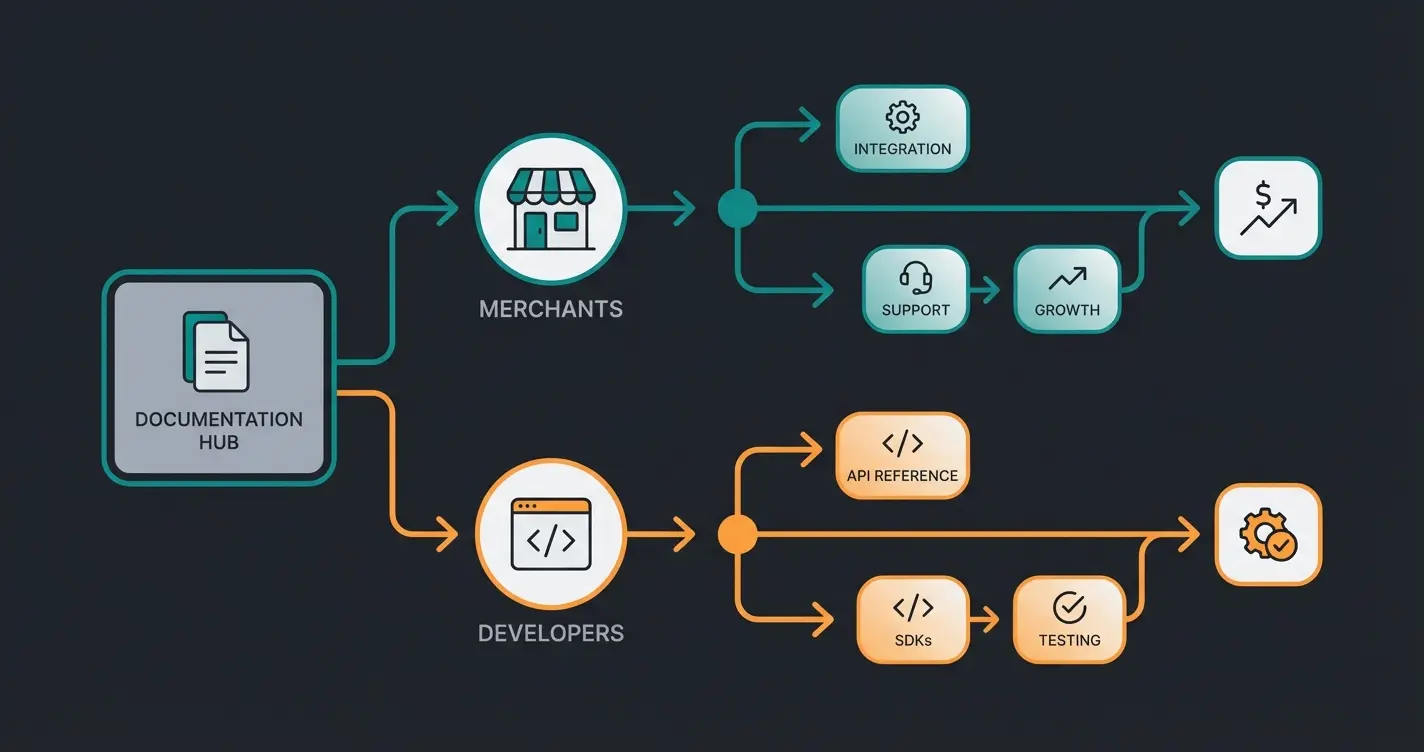
User Docs, Developer Portal, GitHub, Academy, and Community Hub
No more official updates or security patches from Shopware
For Merchants: The Essential Docs You Actually Need
As a merchant or e-commerce manager, you don't want to know how the core kernel compiles. You want to sell products, run marketing campaigns, and process orders. The official documentation is comprehensive but often too detailed. Here's your curated reading list for operational success.
1. First Steps & Onboarding
If you're new to Shopware 6, initially ignore the complex features. Focus on the basic setup.
- The Setup Wizard: Search the docs for 'First Steps.' Shopware guides you through master data, tax rates, and shipping methods.
- Migration: Use the 'Migration Assistant' (plugin). The documentation for this is excellent and explains step by step how to import data from Magento, WooCommerce, or Shopware 5.
2. Product Management & Shopping Experiences
The heart of your shop. This is where shop managers spend 80% of their time.
Products & Variants: Shopware 6 uses an inheritance-based approach for variants. Make sure to read the section on 'Properties' vs. 'Custom Fields.' A common mistake is confusing these two concepts.
Shopping Experiences (CMS): This is the most powerful marketing tool in Shopware 6. The documentation explains how to build landing pages via drag and drop. Look for tutorials on 'Data Mapping' – this lets you pull dynamic content (e.g., product name) into static layouts.
3. Rule Builder & Flow Builder
This is where Shopware 6 differs massively from other systems.
Rule Builder: Allows you to create complex business logic without code (e.g., 'Customer from Switzerland AND cart > €100'). The documentation offers many practical examples ('Free shipping from X').
Flow Builder: Automation of processes (e.g., 'When order comes in -> Send email to warehouse -> Send Slack message to boss'). According to Shopware's changelog, the Flow Builder receives regular feature updates.
Pro Tip: Internal Knowledge Base Instead of Manual
Don't rely on your employees reading the official manual. It's too technical and too general.
Best Practice: Create an internal 'cheat sheet' page (e.g., in Notion or Confluence) that links directly to the Shopware docs relevant to your company. Annotate these links with your internal processes (e.g., 'For new products, we always use the layout Standard Product Page – see instructions here: [Link]').
For Developers: Navigating the Tech Jungle
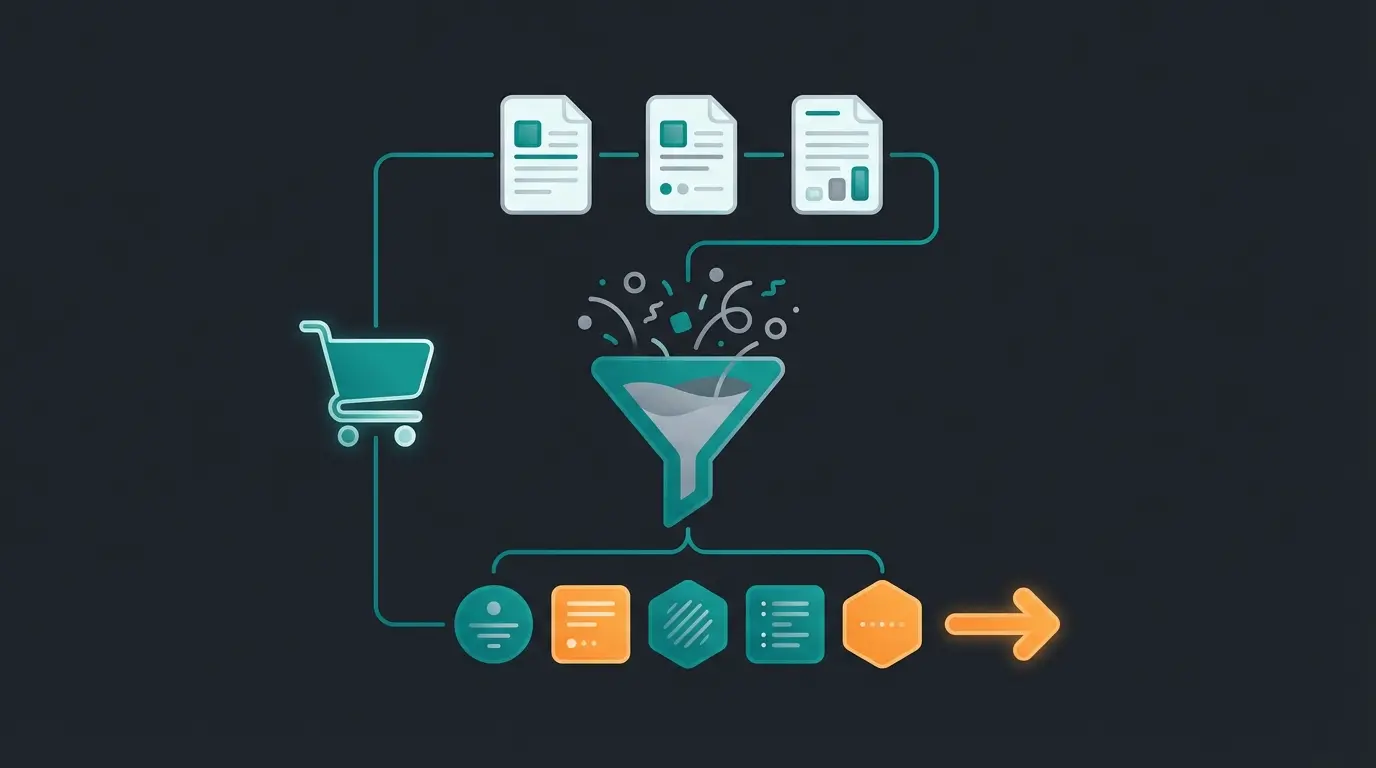
For developers, the situation is more complex. The 'Shopware documentation' is split across various repositories and portals. Take a wrong turn here, and you'll be working with outdated methods.
1. The Bible: developer.shopware.com
This is your starting page, as referenced in Shopware's developer documentation and GitHub. Memorize the structure:
- Concepts: Here you learn the architecture (Data Abstraction Layer, Dependency Injection). Don't skip this! Anyone who doesn't understand the DAL writes bad plugins.
- Guides: 'How-to' instructions for specific tasks (e.g., 'Add a custom CMS block').
- References: The hard reference for configurations, events, and hooks.
2. API First: Store API vs. Admin API
Shopware 6 is API-first. Understanding the API structure is essential, as detailed on Stoplight and WBFK.
Store API: This is the interface for the frontend (headless clients, PWAs). It's optimized for performance and security. Authentication uses an access key (public).
Admin API: The interface for the backend (ERP connections, PIM). It has full access to all data. Authentication uses OAuth2 (protected).
3. App System vs. Plugin System
Shopware is pushing strongly toward the 'App System' (for cloud compatibility).
- Plugins: Classic PHP extensions (full access to Symfony container). Only relevant for self-hosted installations.
- Apps: Run in a sandbox or on external servers. Documentation for this is growing quickly. If you develop for the Shopware Store, you must familiarize yourself with 'App Scripts.'
4. GitHub & Contribution
The official docs sometimes lag behind development.
- GitHub: Look directly into the core code (shopware/shopware or shopware/platform). The unit tests are often the best documentation for undocumented features.
- Changelogs: Since Shopware 6 evolves quickly (versions 6.6, 6.7), the changelogs on GitHub or in the release news are essential for recognizing breaking changes, as highlighted in the Shopware release notes and GitHub releases.
Begin at developer.shopware.com for the official entry point
Learn DAL, Dependency Injection, and architecture fundamentals
Decide between Store API (frontend) or Admin API (backend) based on your use case
Pick Plugin (self-hosted, full access) or App (cloud-compatible, sandboxed)
Check core code and changelogs for the latest undocumented features
The Limits of Documentation (The Pivot)
Up to this point, we've focused on how to find information to build or manage your shop. But what about the most important actor? Your customer.
The Problem: Static Help in the Sales Process
Imagine a customer visits your online shop for outdoor equipment. They're searching for 'hiking boots for wide feet, waterproof, for Alpine crossing.'
The classic way: The customer uses the search bar ('hiking boots'). They get 50 results. They use filters (if they're well-maintained). They read product descriptions. Maybe they look at your FAQ or 'consultation page' (static documentation).
The result: Frustration. The customer must acquire the knowledge themselves. They must read your documentation to understand your product. This is where AI Customer Service transforms the experience.
The Gap: Where Docs Fail
Documentation – no matter how good – is reactive. The user must know what they're looking for.
- Merchants/Developers are willing to read docs because it's their job.
- Customers are not willing to read docs. They want solutions.
This is where the approach 'we'll just write everything in the product description' fails. Nobody reads technical data sheets to find out if a ski boot pinches. An intelligent AI chatbot changes this dynamic completely.
The Solution: Dynamic AI Consultation (Guided Selling)
Instead of forcing the customer to search through your static content, we flip the script. AI-powered product consultation acts as a dynamic interface between your documentation (product data, FAQs, guides) and the customer.
New Scenario: The customer asks the AI assistant: 'I'm planning an Alpine crossing and have wide feet. What do I need?'
The AI Response: The AI analyzes your product documentation (attributes: 'Last width: Wide', 'Category: Alpine', 'Material: Gore-Tex') and responds: 'For an Alpine crossing with wide feet, I recommend the Model X Pro. It has an extra-wide last and offers the necessary stability for scree...'
That's the difference between documentation (providing data) and consultation (applying data). Conversational AI makes this transformation possible.
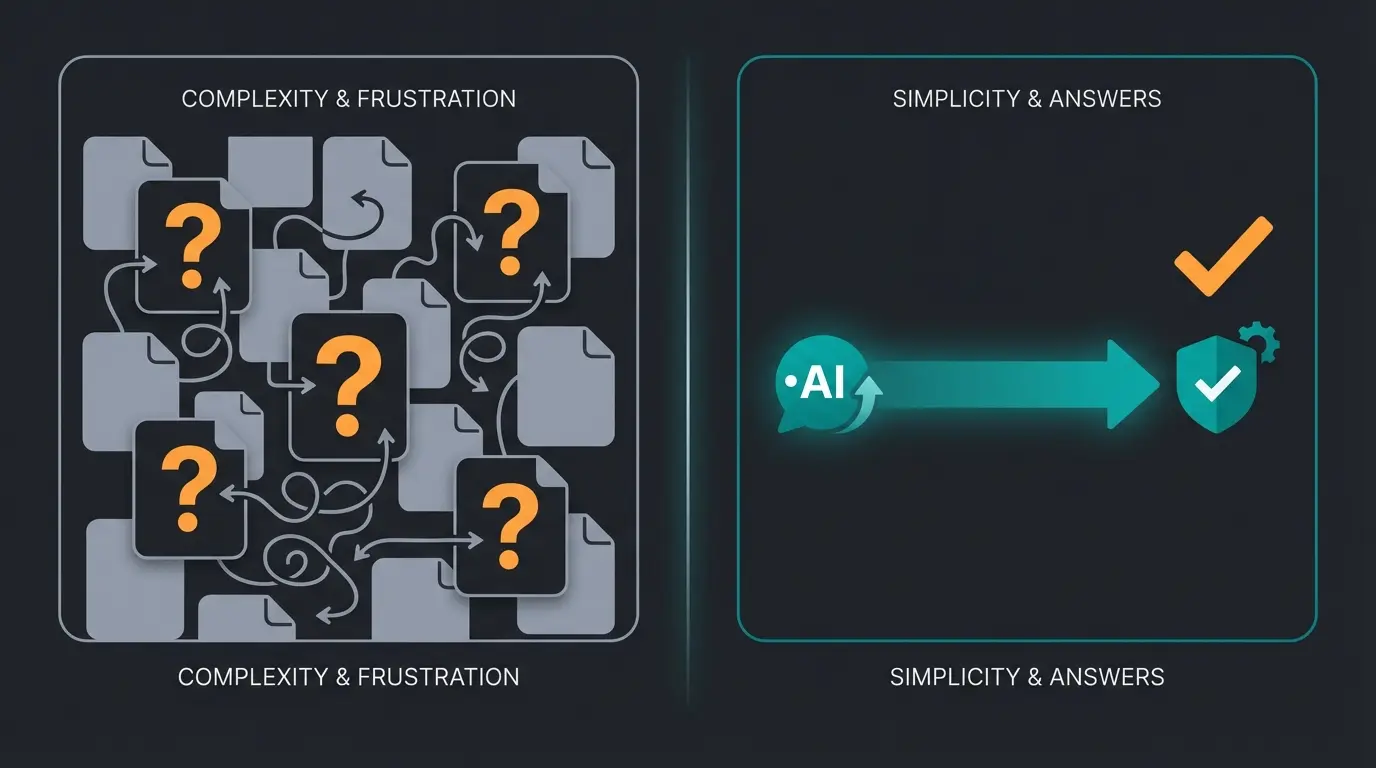
Stop making customers read manuals. Our AI consultation turns static documentation into dynamic, personalized product recommendations that drive conversions.
Start Your Free TrialShopware AI Copilot vs. Custom AI Solutions
Shopware has introduced its own AI features with the 'AI Copilot.' It's important to understand where these end and where specialized solutions begin. This differentiation is crucial for understanding your AI capabilities options.
Shopware AI Copilot: The Assistant for Merchants
The Shopware AI Copilot is deeply integrated into the backend and focuses on efficiency improvement for shop operators, as detailed by ITDelight, Scope01, and Shopware's official AI documentation.
Core functions include:
- Content Creation: Generating product descriptions based on bullet points.
- Review Summarization: Summarizing long customer reviews.
- Image Keywords: Analyzing images and automatically setting alt tags/keywords.
- Export Assistant: Helping with CSV exports through natural language input.
- Checkout Messages: Personalized greeting messages after purchase.
Conclusion: The Copilot helps you manage the shop faster. But it only helps the customer indirectly. For deeper insights into Shopware AI capabilities, the official documentation provides comprehensive details.
External AI Solutions (Frontend Consultation)
This is where specialized solutions come into play. The focus is on the customer journey in the frontend.
- Goal: Conversion optimization and consultation.
- Function: A chat or interaction bot that acts like a salesperson in a store.
- Data Basis: The AI is trained on your 'Shopware documentation' (product catalog, care instructions, FAQs) but uses this knowledge for dialogue, not administration.
AI Product Consultation providers specialize in this frontend-focused approach, delivering measurable results in customer engagement and sales.
| Feature | Shopware AI Copilot | Specialized AI Consultation (Frontend) |
|---|---|---|
| Primary Audience | Merchant (Backend User) | End Customer (Shopper) |
| Main Benefit | Time savings in maintenance | Revenue increase & consultation |
| Interaction | Click in Admin Panel | Chat in Storefront |
| Example | 'Write a description for this shoe.' | 'Which shoe fits me?' |
| Data Usage | Creates static data | Uses data for dynamic answers |
Static FAQ vs. AI Consultation: A Direct Comparison
To fully understand why static documentation falls short in customer-facing scenarios, let's examine the key differences between traditional FAQs and modern AI Chatbots:
| Feature | Static Docs/FAQ | AI Consultation |
|---|---|---|
| User Experience | User searches keywords | User asks natural questions |
| Response Speed | Slow (requires reading) | Instant (conversational) |
| Personalization | None | High (context-aware) |
| Sales Impact | Low (informational only) | High (recommends products) |
| Availability | 24/7 but passive | 24/7 and proactive |
| Learning Ability | None (static content) | Continuous improvement |
This comparison illustrates why AI consulting has become essential for modern e-commerce. When AI eliminates waiting times, customer satisfaction and conversion rates both improve dramatically.
Quick-Links Cheat Sheet: Your Documentation Hub
Good documentation is the foundation of every successful Shopware project. But in 2024/2025, it's no longer enough to just store data. It must be made accessible – for developers through good APIs and for customers through intelligent consultation.
Here are the direct entry points to avoid lengthy searches:
For Merchants & Shop Managers
- Official Manual (EN): docs.shopware.com/en
- Shopware Academy (Training): academy.shopware.com
- Roadmap (What's next?): shopware.com/roadmap
For Developers
- Developer Portal: developer.shopware.com
- API Reference (Stoplight): shopware.stoplight.io
- GitHub Repository: github.com/shopware/shopware
- StackOverflow Tag: `shopware-6`
For Migration
- Migration Guide: docs.shopware.com/en/migration
- Safefive (SW5 Support): safefive.de
Understanding Different Chatbot Types
When implementing AI solutions alongside your Shopware documentation strategy, understanding the landscape of Consultative AI options helps you make informed decisions. From rule-based systems to advanced conversational AI, each type serves different purposes in your customer engagement strategy.
Frequently Asked Questions
Shopware 5 documentation remains available but is frozen since July 2024. It's primarily useful for businesses planning migration to Shopware 6. No new features or security updates are documented for SW5. We strongly recommend prioritizing migration and using SW5 docs only as a reference for data transfer.
The Store API is designed for frontend applications (headless clients, PWAs) with public authentication via access keys. It's optimized for performance and security. The Admin API provides full backend access for ERP connections and PIM systems, using OAuth2 protected authentication. Choose based on whether you're building customer-facing or administrative features.
No, they serve different purposes. Shopware AI Copilot is a backend tool helping merchants create content, summarize reviews, and manage exports more efficiently. For customer-facing AI consultation that drives sales and provides product recommendations, you need specialized frontend AI solutions that interact directly with shoppers.
Start at developer.shopware.com and focus on the Concepts section first. Understanding the Data Abstraction Layer (DAL) and Dependency Injection is crucial before building plugins. Then move to the Guides section for practical tutorials. Use your local Swagger documentation for the most accurate API reference.
Static documentation is reactive – customers must know what to search for and interpret technical specifications themselves. AI consultation is proactive and conversational, understanding natural language questions like 'What's best for my situation?' and providing personalized recommendations based on your complete product catalog and knowledge base.
Final Thoughts: From Documentation to Conversation
Stop forcing your customers to read the 'manual' of your product range. Use Shopware documentation to build a solid foundation, then leverage AI technology to transform this knowledge into active sales conversations.
The future of e-commerce isn't about having the best documentation – it's about making that documentation work for your customers without them ever knowing it exists. When a customer asks a question and receives an instant, personalized answer, they don't care whether that answer came from page 47 of your product manual or a sophisticated AI system trained on your entire knowledge base.
What matters is the experience: fast, helpful, and human-like. That's the bridge between static Shopware documentation and dynamic customer engagement.
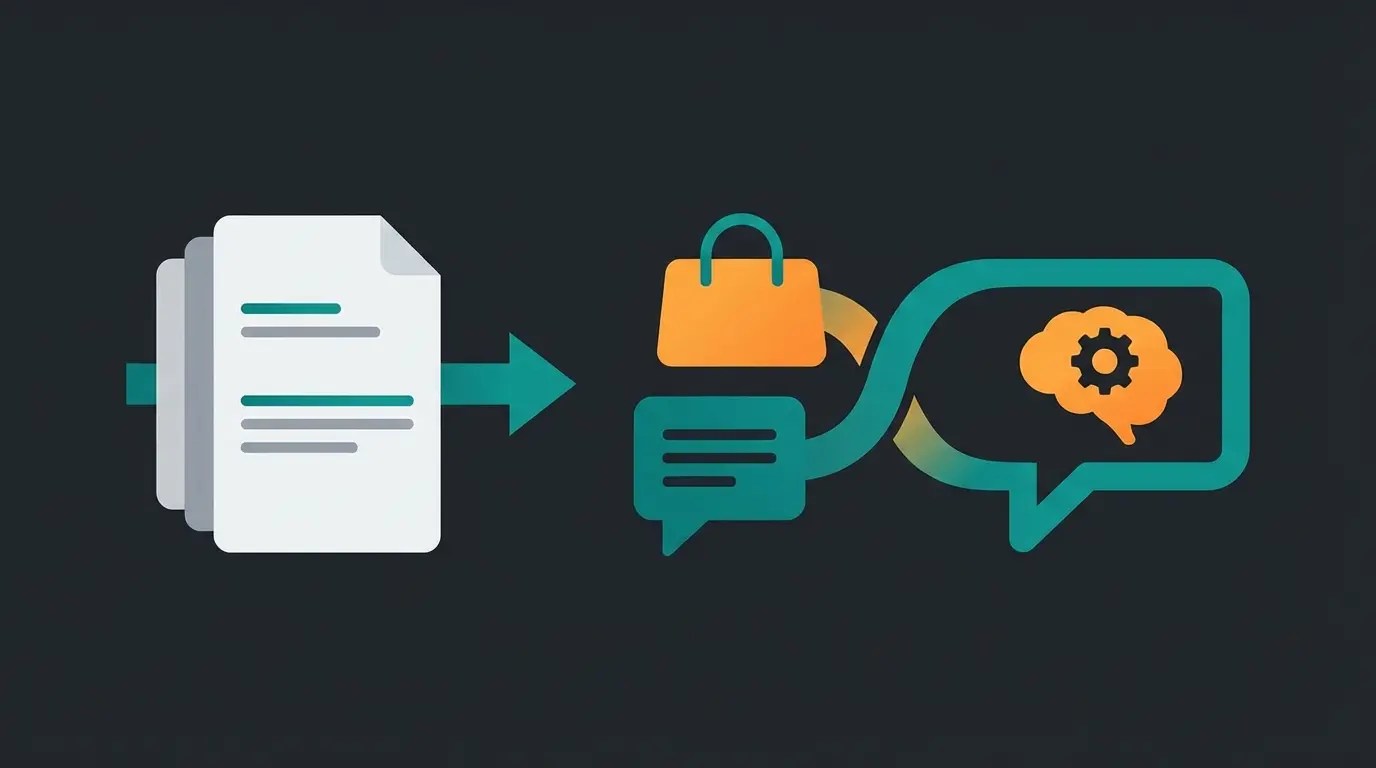
See how your product documentation can power personalized AI conversations that convert browsers into buyers. Stop making customers read – let AI consult for them.
Request Your Demo