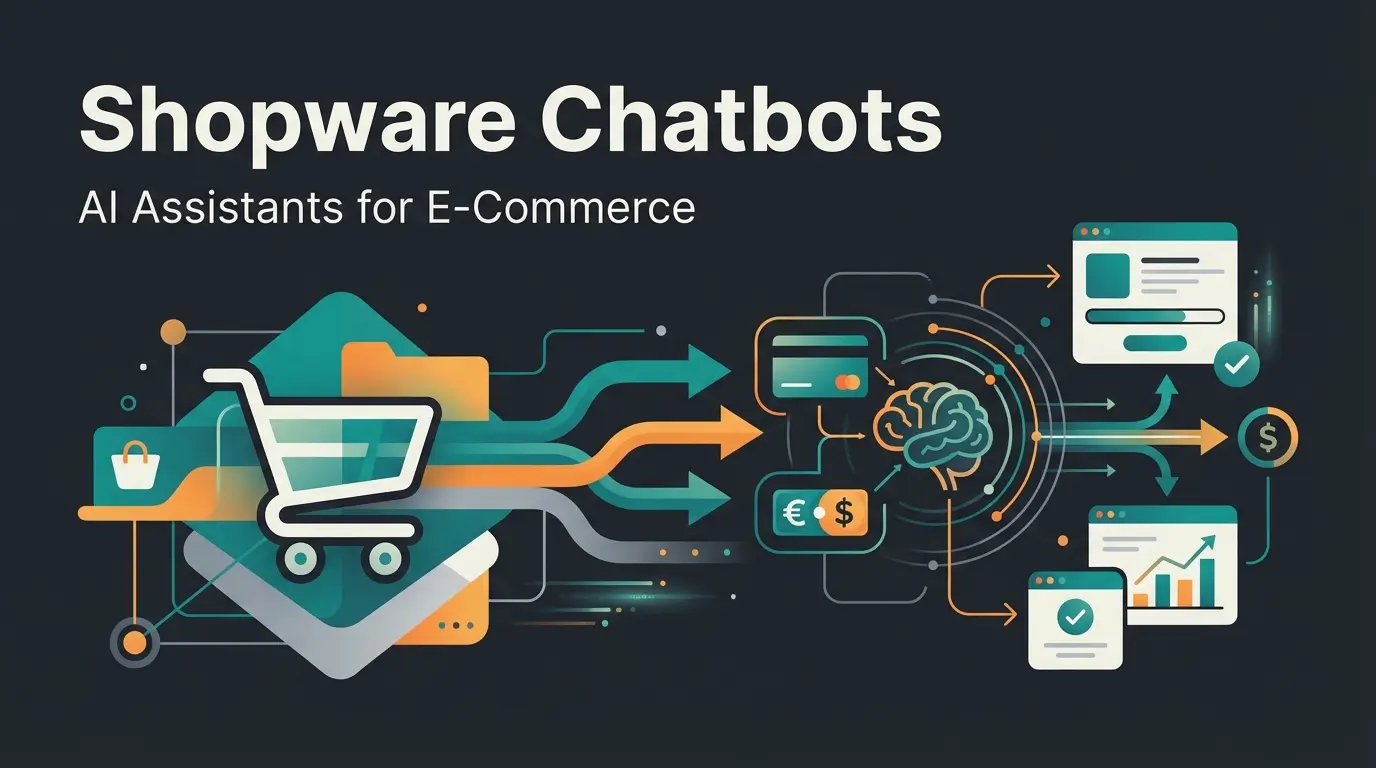
Executive Summary: Beyond Standard Tracking
Integrating Shopware Google Analytics is no longer just a technical checkbox for e-commerce managers in 2025—it's the foundation of data-driven competitive advantage. While 90% of market participants are still focused on cleanly implementing the transition from Universal Analytics (UA) to Google Analytics 4 (GA4), innovative shop operators have a new opportunity: the shift from pure transaction tracking to consultation-led tracking.
This article serves as a comprehensive guide. It first covers the essential technical foundation—from proper GTM integration to the critical Google Consent Mode V2. In the second part, we leave the beaten path and demonstrate how integrating AI-powered consultation data into GA4 illuminates the "black box" between page views and purchase completion. We transform your analytics from Version 1.0 (counting clicks) to Version 2.0 (understanding customer intent). As outlined in our Shopware AI Guide, this represents a fundamental shift in how modern stores approach customer understanding.
Part I: Why Shopware & GA4 Remain the Standard Duo
Despite Shopware's introduction of their own analytics tools, Google Analytics 4 remains the gold standard for understanding user behavior. There's often confusion about whether "Shopware Analytics" replaces GA4. According to Shopware, the answer is a clear no—they complement each other.
Shopware Analytics vs. Google Analytics 4
The distinction is strategically important for any e-commerce operation seeking to maximize both their AI-powered product consultation and their analytics capabilities:
- Shopware Analytics (often still in beta phases or as a B2B feature) focuses on business KPIs: revenue, inventory levels, return rates, and product margins. It provides a view of the results
- Google Analytics 4 focuses on the customer journey: Where do users come from? Where do they drop off? Which paths lead to conversion? It provides a view of behavior
For a holistic e-commerce strategy, you need both perspectives. However, for GA4 to deliver reliable data, the technical integration with Shopware 6 must be precise. This is especially critical when implementing solutions like AI consulting in e-commerce, where tracking consultation interactions becomes essential.
| Analytics Solution | Primary Focus | Key Metrics | Best Use Case |
|---|---|---|---|
| Shopware Analytics | Business KPIs | Revenue, Inventory, Returns, Margins | Financial reporting & inventory management |
| Google Analytics 4 | Customer Behavior | Traffic sources, User paths, Conversions | Journey optimization & marketing attribution |
| Combined with AI | Customer Intent | Questions asked, Problems solved, Intent signals | Product optimization & personalization |
Part II: Technical Integration in Shopware 6
To be relevant in rankings for Shopware Google Analytics and to obtain clean data, we first need to complete the "homework." The integration should ideally be done through Google Tag Manager (GTM), as this provides maximum flexibility for future AI integrations and aligns with best practices outlined by 2hatslogic.
The Method of Choice: Google Tag Manager (GTM)
Although there are plugins that inject GA4 code directly, experts almost unanimously recommend the GTM route as confirmed by webiprog:
- Flexibility: You can manage marketing tags (Google Ads, Meta, LinkedIn) without touching the Shopware code
- DataLayer Control: GTM acts as a translator between the Shopware DataLayer and GA4
- Future-proofing: Easy to add new tracking for AI chatbots and consultation tools
The DataLayer in Shopware 6
The DataLayer is an invisible data layer on your website that provides information such as "cart value," "product name," or "category" in a structured way that GTM can read. As explained by YouTube tutorials and bui-hinsche, this is fundamental to proper e-commerce tracking.
- Standard Events: Shopware 6 provides many e-commerce events out of the box, but an extension is often necessary to provide an Enhanced E-Commerce DataLayer that properly passes events like `view_item_list`, `add_to_cart`, and `purchase` to GTM
- Custom Events: For tracking AI consultation interactions, you'll need to extend this DataLayer with custom event triggers
Product data, cart events, and user actions are captured
Events are structured and pushed to the DataLayer
GTM reads DataLayer and triggers appropriate tags
Data flows to both analytics and AI consultation tracking
Critical for Germany: Google Consent Mode V2
Since March 2024, Google Consent Mode V2 has been mandatory for everyone using Google Ads and Analytics in the EU. According to mission-om, without correct implementation, you risk data loss and legal consequences. This is particularly important when implementing AI Customer Service solutions that collect user interaction data.
What you need to do: Consent Mode V2 communicates to Google not only whether a user consented, but to what exactly (e.g., `ad_storage` for advertising or `analytics_storage` for analytics). As documented by Shopware, proper configuration is essential.
- Integration: Use a Consent Management Platform (CMP) like Usercentrics or Cookiebot that offers direct integration for Shopware 6, as recommended by bramsocial
- Shopware Update: Ensure your Shopware version (at least 6.5.8.6) or your consent plugin supports the new parameters `ad_user_data` and `ad_personalization` as noted in the GitHub documentation
- GTM Configuration: In Google Tag Manager, tags must be configured to respect the "Consent Status." This means tags only fire when the corresponding signal (e.g., "Statistics allowed") comes from the CMP

Part III: The Blind Spot of Standard Analytics
If you've followed the steps above, you have a solid standard setup. You're tracking page views, purchases, and bounce rates. But here lies the problem that most "ultimate guides" ignore: You're measuring clicks, not communication. This is where AI e-commerce transforms the traditional analytics paradigm.
The Limits of view_item and add_to_cart
Imagine the following scenario: A user arrives on a product page for an expensive e-bike. They spend 4 minutes on the page. They scroll up and down repeatedly. They leave the page without purchasing.
What does GA4 tell you? GA4 reports: Session Duration: 4 min, Event: view_item, no purchase. The analyst's conclusion would often be: "The price is too high" or "The product doesn't appeal to them."
What actually happened? The user had a specific question: "Can I remove the battery for charging?" They couldn't find the answer in the description and left because of it. Standard analytics is blind to this "why." It sees the movement, but not the intent. This creates a massive content gap that can be closed through consultation-led tracking and Conversational AI solutions.
Visitors leave because specific questions go unanswered
Users spend significant time searching before abandoning
Users who left would buy if their question was answered
Part IV: Consultation-Led Tracking & AI Insights
To differentiate yourself from the competition, we need to rethink analytics. We expand tracking from purely commercial events (purchase) to consultative events (consultation). This becomes possible through the use of modern AI tools in the Shopware frontend that go far beyond the old "Guided Selling" plugins. Modern AI Product Consultation providers offer sophisticated tracking capabilities that integrate seamlessly with GA4.
The Paradigm Shift: Static Funnels vs. AI Conversation
Many Shopware shops use "Guided Selling" plugins. However, according to Shopware's marketplace and Qualimero, these are often just static filter trees. This is where AI Chatbots transform the customer experience.
| Feature | Static Funnels (Old Way) | AI Product Consultation (New Way) |
|---|---|---|
| Interaction | Rigid (Click on "Color" -> "Size") | Dynamic (Free text: "I'm looking for something for winter") |
| Data Quality | Limited to predefined paths | Unstructured, rich in intent data |
| Analytics Output | "User selected Filter X" | "User has Problem Y and seeks Solution Z" |
| Learning Effect | Low (You only know where they exited) | High (You know what they asked) |
New Events for Your DataLayer
When you integrate an AI chatbot or intelligent product advisor into Shopware, you need to make these interactions measurable. Instead of relying on standard events, you should define custom events that are sent to GA4 via GTM. This approach is supported by getpassionfruit and tripledart. Implementing AI-powered sales consultants makes this tracking approach even more powerful.
Recommended Custom Events:
- `consultation_started`: Fires when the user opens the AI advisor or asks the first question. Why: Measures interest in consultation vs. self-service
- `intent_detected`: Fires when the AI understands what the user wants (e.g., "Sustainability", "Budget < $100"). Parameter: `intent_category` (e.g., "Material", "Price", "Function")
- `problem_solved`: Fires when the user clicks on a product recommendation from the AI. Why: This is a "soft conversion" event, often more valuable than `add_to_cart` for optimization
- `consultation_failed`: Fires when the AI didn't know an answer or the user abruptly ended the chat. Why: Identifies content gaps in the shop
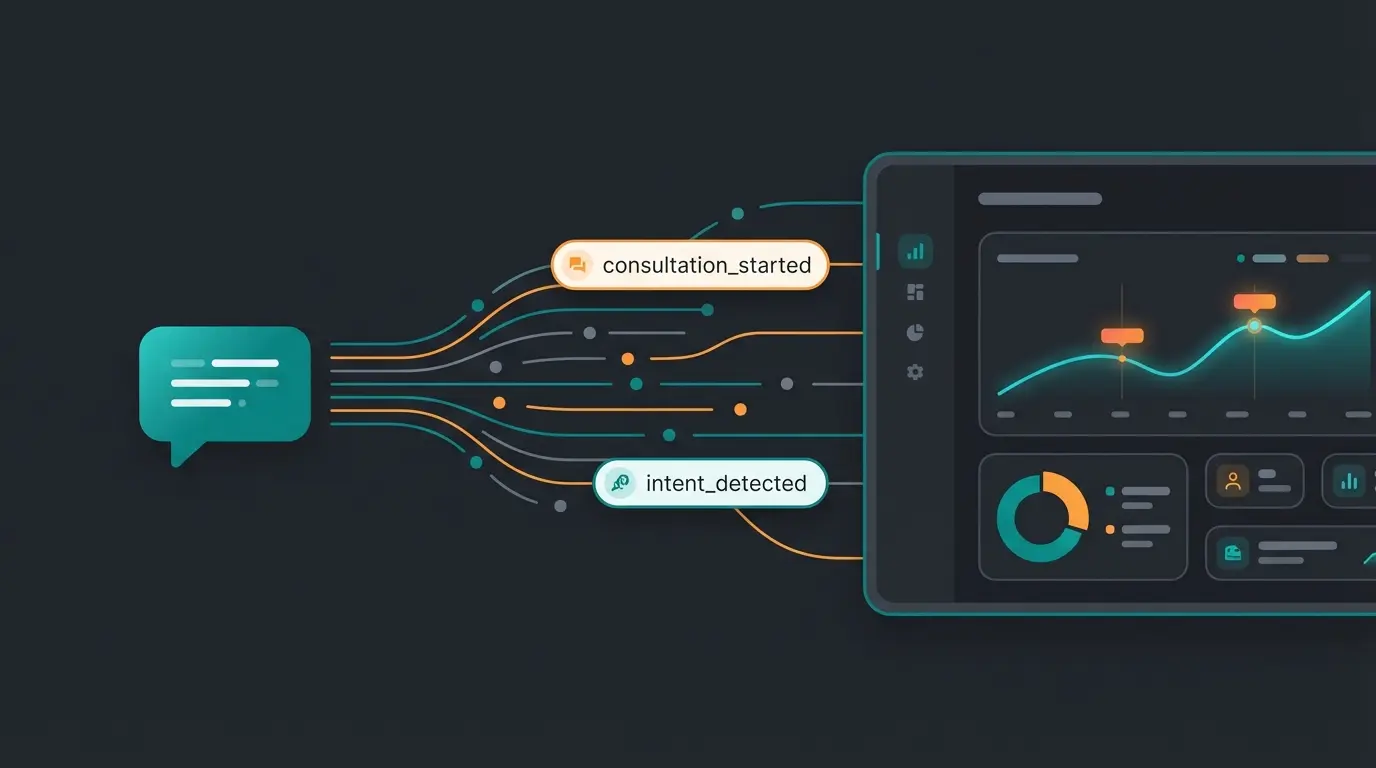
Technical Implementation: Custom Dimensions in GA4
For this data to be visible in GA4, you need to set up Custom Dimensions. GA4 doesn't automatically store parameters in reports just because you send them, as explained by optimizesmart, dev.to, and mailchimp.
Step-by-step guide to AI Dimension setup:
- GTM: Create a GA4 event tag. Name the event e.g., `ai_interaction`
- Parameters: Add parameters, e.g., `user_question` (the user's question) or `ai_recommendation` (the recommended product)
- GA4 Admin: Go to Admin > Data Display > Custom Definitions
- Create: Create a new dimension with Name: "User Question", Scope: Event, Event Parameter: `user_question` (must exactly match GTM)
Stop guessing why customers leave. Our AI-powered consultation solution integrates seamlessly with your GA4 setup to reveal customer intent and boost conversions.
Start Free TrialPart V: Using AI Insights for Content Optimization
Once the data flows, your Shopware Google Analytics setup transforms from a pure reporting tool into an optimization machine. This is where conversational commerce truly shines, providing insights that drive real business improvements.
Scenario: The "Missing Feature" Analysis
You sell outdoor jackets. In your new GA4 report "Consultation Analysis," you see that 150 users in the last month asked the AI: "Is this jacket also suitable for skiing?" The AI may have answered: "I don't have information about that." The event `consultation_failed` was fired.
The action steps:
- You now know that "skiing" is a decisive purchase criterion
- You check the product. It is suitable, but it wasn't mentioned in the description
- You add the keyword "skiing" to the product description in Shopware
- Result: The conversion rate increases, and organic visibility for "ski jacket" improves
This is the difference between "collecting data" and "using data." Standard analytics would only have shown you that users left the page. AI analytics tells you why. This approach is central to effective AI product consultation implementations.
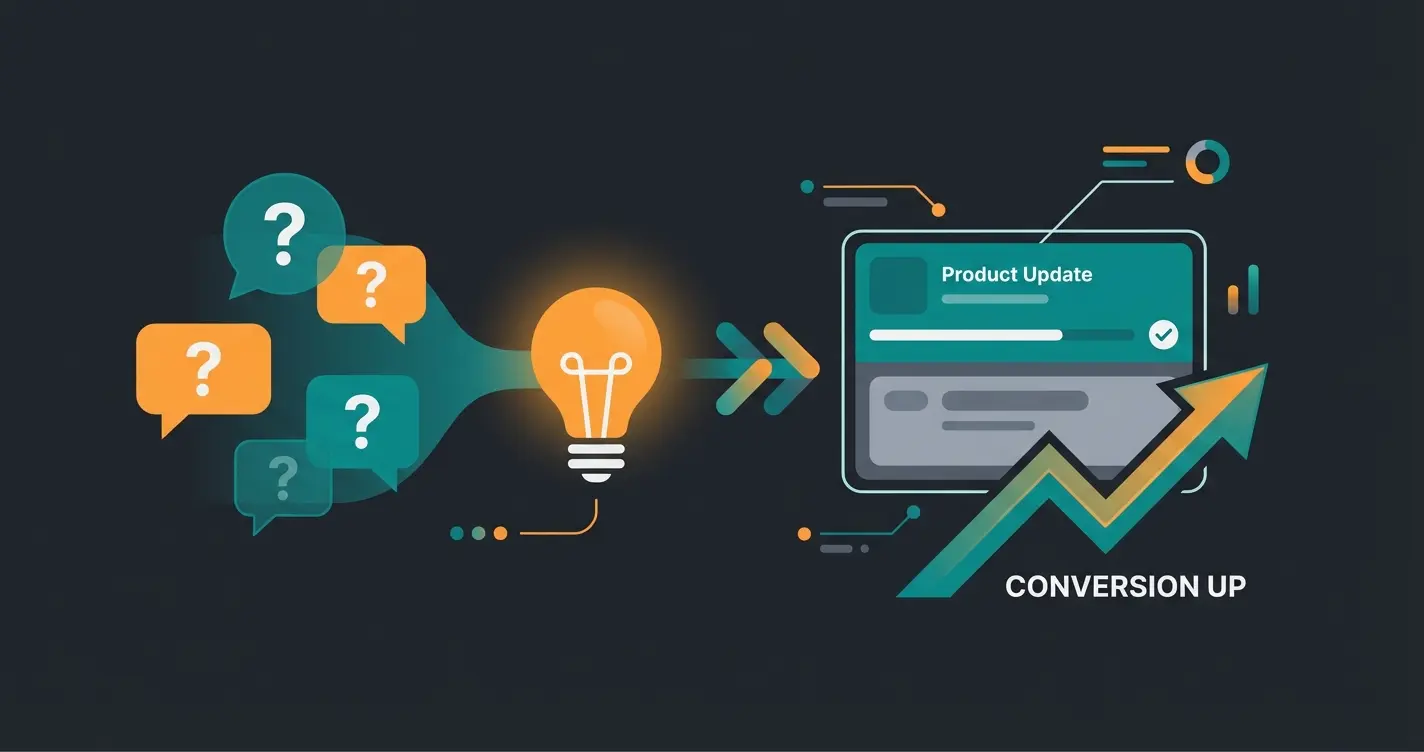
Building a Continuous Optimization Loop
The real power of consultation-led tracking comes from creating a systematic optimization process. When your AI consultation data flows into GA4, you can build dashboards that surface opportunities for improvement. This aligns with our comprehensive Shopware SEO Guide approach to data-driven optimization.
AI logs every customer question and intent signal
consultation_failed events reveal missing information
Add missing details to product descriptions and FAQ
Track conversion lift on updated products
Part VI: The Evolution of Tracking
Integrating Shopware and Google Analytics in 2025 requires a fundamental rethinking of your approach:
- The Requirement: A clean technical setup with GTM and Consent Mode V2 is the entry ticket. Without this, your data is legally vulnerable and technically incomplete
- The Excellence: The true competitive advantage lies in tracking the quality of customer interaction
By switching from static funnels to AI-powered conversations and deeply integrating this data into GA4, you close the gap between anonymous traffic and understood customer needs. You stop counting clicks and start analyzing conversations. According to mission-om, this enhanced E-commerce tracking is becoming the new standard for competitive shops.
Start today: Check your Consent Mode status and consider which questions your customers are asking that your current analytics setup cannot answer. This is the foundation for truly understanding your customers beyond simple click data.
Implementation Checklist for Your Setup
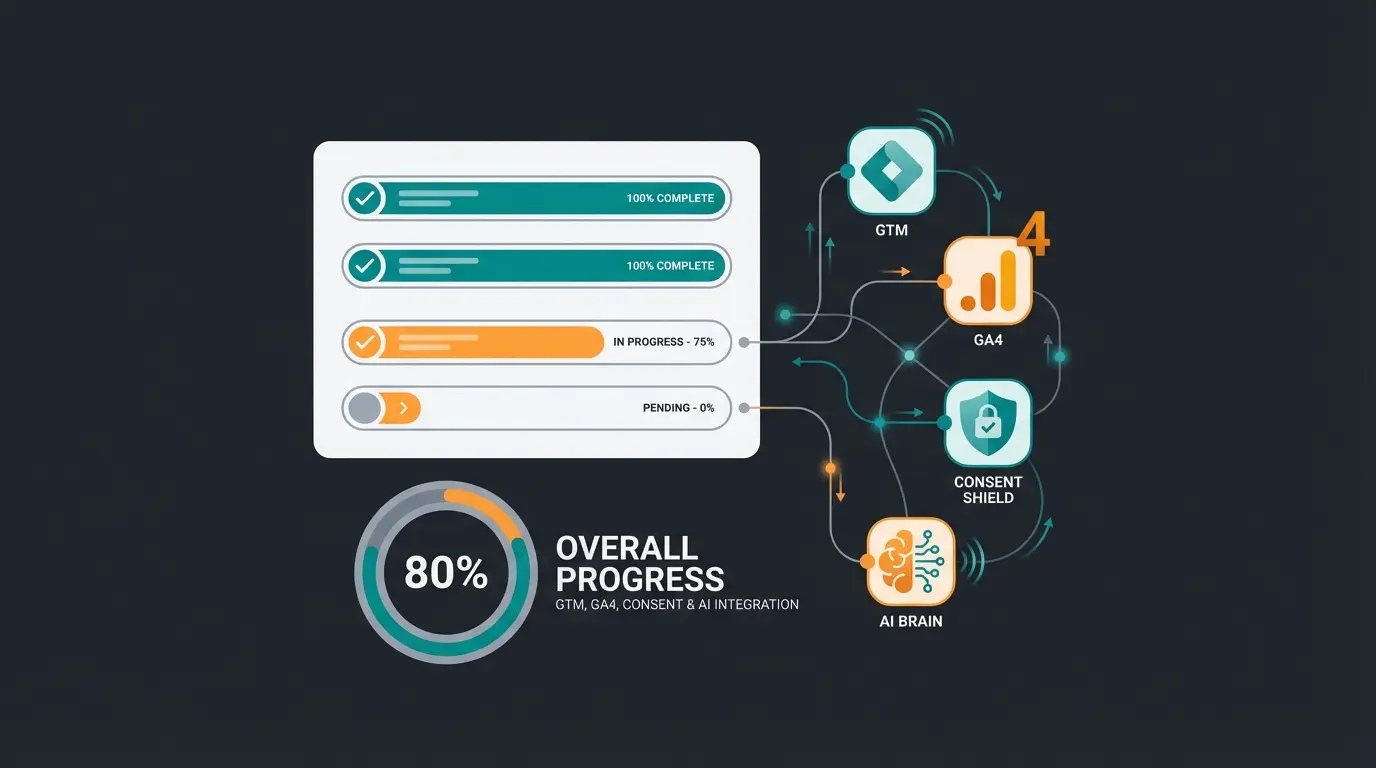
Before launching your enhanced analytics implementation, verify each of these critical elements is properly configured:
- ☐ GA4 Property created and linked to Shopware?
- ☐ Google Tag Manager chosen as integration method?
- ☐ Consent Mode V2 active and validated (e.g., via Tag Assistant)?
- ☐ Enhanced E-Commerce Events (Purchase, Add to Cart) displayed in DebugView?
- ☐ Custom Events for consultation interactions defined?
- ☐ Custom Dimensions registered in GA4?
- ☐ AI consultation tool integrated with DataLayer push capability?
- ☐ Reporting dashboards created for consultation metrics?
Frequently Asked Questions
While plugins can simplify the process, experts recommend using Google Tag Manager (GTM) for maximum flexibility. GTM allows you to manage all marketing tags without touching Shopware code and provides better control over the DataLayer, especially important when adding AI consultation tracking later.
Shopware Analytics is included with Shopware but does not replace Google Analytics 4. They serve different purposes: Shopware Analytics focuses on business KPIs like revenue and inventory, while GA4 tracks customer behavior and journey. For a complete e-commerce strategy, you need both working together.
Implement Google Consent Mode V2 using a CMP like Usercentrics or Cookiebot. Ensure your Shopware version is at least 6.5.8.6 and supports the new parameters ad_user_data and ad_personalization. Configure your GTM tags to respect consent signals before firing.
Focus on four key events: consultation_started (when user opens AI advisor), intent_detected (when AI understands user need), problem_solved (when user clicks AI recommendation), and consultation_failed (when AI couldn't answer). These reveal customer intent that standard tracking misses.
Basic GA4 + GTM integration takes 2-4 hours. Adding Consent Mode V2 properly configured adds another 1-2 hours. Setting up custom events for AI consultation tracking requires 3-5 hours including testing. Full implementation with custom dimensions and reporting dashboards typically takes 1-2 days.
Move beyond click counting. Our AI consultation solution integrates with your Shopware Google Analytics setup to reveal customer intent, answer questions 24/7, and boost your conversion rates.
Get Started Now