Why Klarna Is Essential for Every Shopware Store
In German e-commerce, there's an unwritten rule: if you don't offer invoice payment (Rechnungskauf), you're leaving money on the table. Germany is unique worldwide in its preference for 'goods first, money later.' Klarna has established itself as the de-facto standard for meeting this need while keeping merchants risk-free.
For Shopware merchants, the equation seems simple at first glance: Shopware + Klarna = More Revenue.
But reality is more complex. While technical integration is often marketed as 'plug-and-play' thanks to plugins, forums and support tickets tell a different story: error codes like '401 Unauthorized,' checkout visibility problems, or B2B customer conflicts cause serious headaches for shop operators. According to Shopware's documentation, these issues often stem from simple configuration mistakes.
Even more serious, however, is a strategic problem that almost no agency discusses: the 'Returns Trap.' By extremely simplifying the payment process ('Pay Later'), customers tend to use their shopping cart as a 'fitting room.' They order three sizes, knowing they don't have to pay anything before sending two back. Understanding Shopware checkout optimization becomes critical when implementing BNPL solutions.
This guide is different from standard tutorials. We'll not only walk you through step-by-step error-free installation in Shopware 6 but also provide you with the troubleshooting checklist for the most common errors. Most importantly, we'll show you how to solve the 'Klarna Paradox': maximum conversion through Klarna while simultaneously minimizing returns through intelligent AI consultation.
The Data: Why You Need Klarna (And What It Costs)
Before diving into the technical details, let's look at the numbers. Why is the pressure to integrate Klarna so high?
Conversion and Average Order Value (AOV)
Studies and Klarna's own data show impressive uplifts for merchants offering BNPL (Buy Now, Pay Later):
BNPL options reduce checkout friction significantly
Higher order values when payment pain is deferred
Klarna users return and buy more often
According to FedEx research, introducing BNPL options can increase conversion rates by 20-30%. The reason is the reduction of 'friction' at checkout. Customers don't need to search for credit card details or generate TANs.
Research from Embryo indicates that merchants report an increase in average order value of up to 45%. When the pain of immediate cash outflow is removed ('Pay in 30 days'), customers spend more freely. Additionally, purchase frequency can increase by up to 20%.
Trust Factor in the DACH Region
In Germany, invoice payment isn't just a payment method—it's a trust signal. A shop offering Klarna signals: 'We're legitimate, you're taking no risk.' Especially for new customers unfamiliar with your brand, this is often the deciding factor.
The Flip Side: The Returns Explosion
Here lies the strategic risk. Data from the University of Bamberg (Returns Research) shows clearly:
- The Alpha Return Rate (probability of a package being returned) for invoice payment in the fashion sector is approximately 55.65%. Compare this to only about 30% with prepayment, according to Retourenforschung.
- This means: with Klarna, you're getting more revenue, but also massively more logistics costs.
Step-by-Step: Installing Klarna in Shopware 6
Klarna integration in Shopware 6 is primarily done through the 'Klarna Payments' plugin. (Note: The old 'Klarna Checkout' plugin is less commonly used since Shopware 6 has its own strong checkout that 'Klarna Payments' integrates seamlessly with, as explained by Mollie).
Install via Shopware Admin Store or Composer
Generate keys in Klarna Merchant Portal
Enter credentials and select API mode
Enable and assign to sales channels
Step 1: Plugin Download and Installation
There are two ways to get the plugin into your shop:
Option A: Via Shopware Admin (Recommended for Merchants)
- Log into your Shopware 6 admin area.
- Navigate to Extensions > Store.
- Search for 'Klarna Payments'.
- Click 'Install App'.
- After installation, find the plugin under Extensions > My Extensions.
- Click the toggle to activate the plugin.
This process is well documented in Shopware's official guides and YouTube tutorials.
Option B: Via Composer (For Developers)
For complex deployments or agencies, the terminal route is cleaner:
```bash composer require store.shopware.com/klarnapayments bin/console plugin:refresh bin/console plugin:install --activate KlarnaPayment bin/console cache:clear ```
When comparing different Shopware payment plugins, Klarna stands out for its DACH market dominance and comprehensive BNPL features.
Step 2: Obtaining API Credentials
The plugin alone isn't enough; it needs to communicate with your Klarna merchant account.
- Log into the Klarna Merchant Portal (portal.klarna.com).
- Go to Settings > Klarna API Credentials.
- Click 'Generate New API Credentials'.
- IMPORTANT: Download the `.txt` file with username (UID) and password. It will only be shown to you once!
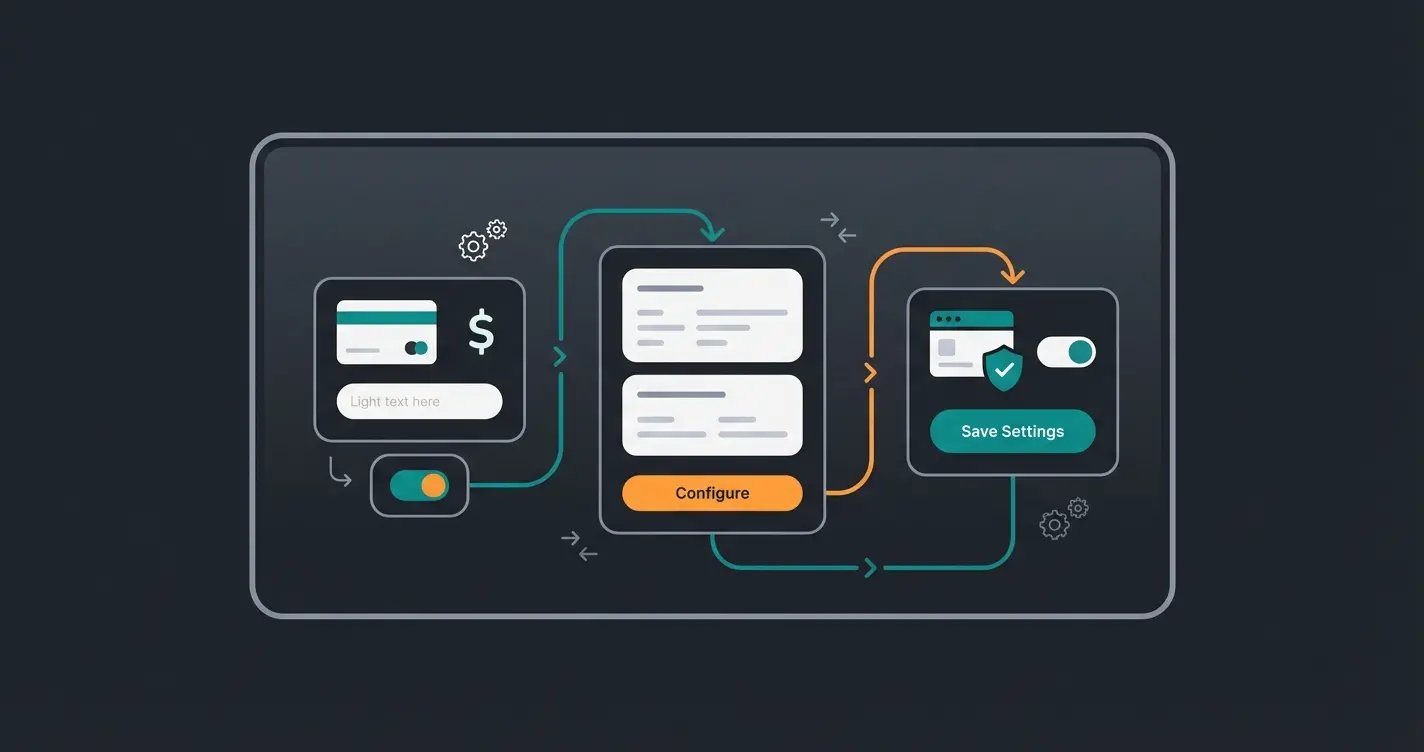
Step 3: Configuration in Shopware Admin
- Go to Settings > Extensions > Klarna Payments in Shopware.
- Select Sales Channel: You can configure Klarna globally or per sales channel (e.g., only for the German shop).
- API Mode: Choose 'Live' or 'Test' (Playground).
- Enter Credentials: Copy the username and password from Step 2 into the corresponding fields.
- API Test: Click 'Test API Credentials'. If a green checkmark appears, the connection is established.
Step 4: Activate and Assign Payment Methods
A common mistake: the plugin is installed, but the payment methods aren't visible.
- Go to Settings > Payment Methods. You should now see new entries like 'Pay Later with Klarna' (Pay Later), 'Slice It with Klarna' (Slice It), and 'Pay Now' (Pay Now).
- Activate the desired methods (set status to 'Active').
- Assign to Sales Channel: Go to your sales channel (left sidebar) > 'General' tab.
- Add the Klarna methods under 'Payment Methods' and save.
This assignment process is detailed by Solution25 and is one of the most overlooked steps in Klarna integration.
Troubleshooting: Common Shopware Klarna Problems & Solutions
Even when following the instructions correctly, errors frequently occur. Google search results are full of desperate merchants. Here's the consolidated solution table for the most common problems, based on technical analysis and forum data.
The Ultimate Klarna Error Cheat Sheet
| Error / Symptom | Likely Cause | Solution / Quick Fix |
|---|---|---|
| 401 Unauthorized | Wrong API data or wrong mode | Classic: You're using 'Playground' data in 'Live' mode (or vice versa). Check in the plugin whether the 'Test Mode' toggle matches the credentials URL. Username often starts with `K...` for Live and differently for Test. Also watch for spaces when copying! |
| Payment method not visible in checkout | Missing assignment or currency | 1. Check in sales channel if payment method is assigned. 2. Check Rule Builder: Are there rules (e.g., 'Cart > €200') hiding the payment method? 3. Currency: Klarna often requires the local currency (EUR). Is EUR active in the sales channel? |
| 'Something went wrong' (General) | API limit or cache | Clear Shopware cache (`bin/console cache:clear`). Check logs under `var/log/`. Often timeout issues or outdated plugin versions. |
| 400 Bad Value / Bad Request | Address data formatting | Klarna is strict with addresses. If a customer writes 'Packstation' in the street field, the API rejects it. Check if address validation plugins are interfering. |
| B2B customers can't pay | Klarna is primarily B2C | Klarna supports B2B only very limitedly (certain countries/configurations). Solution: Use the Billie integration within the Klarna plugin for B2B invoice payment. |
| 403 Forbidden | Account not activated | Your credentials are correct, but Klarna hasn't yet activated your merchant account for certain products (e.g., installment purchase). Contact Klarna Merchant Support. |
These solutions are compiled from Shopware community forums and HelpScout documentation.
For B2B scenarios, Klarna's official B2B documentation explains the Billie integration for business customers, while Shopware's plugin documentation covers the technical implementation.
Pro Tip: Using On-Site Messaging Correctly
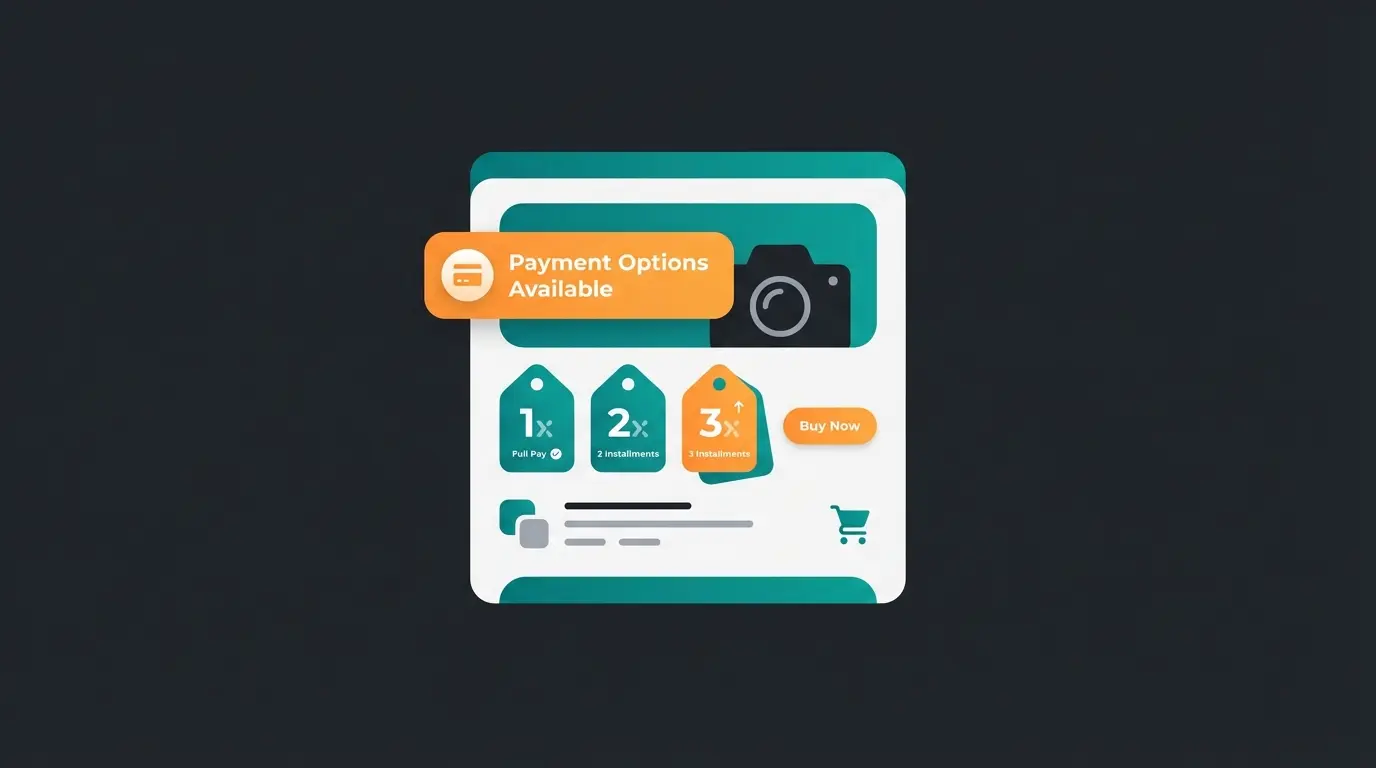
Many merchants forget 'On-Site Messaging' (OSM). These are the small widgets on the product detail page ('Pay from €15/month').
- Why use it? It increases conversion because customers see before checkout that they can afford the product.
- Setup: Activate in the Klarna plugin under 'On-Site Messaging'. You often need to include the 'Data Client ID' script in the theme if the plugin doesn't do this automatically (with custom themes).
Both YouTube tutorials and Create.net documentation provide detailed OSM implementation guides.
The Hidden Danger: Klarna, BNPL, and the Returns Spiral
You've installed Klarna, the 401 error is fixed, and orders are coming in. All good? Not quite.
The Psychological Phenomenon: Selection Orders
Klarna 'Pay Later' (invoice payment) decouples the purchase decision from the pain of payment. This leads to behavior that would be impossible in brick-and-mortar retail: the customer buys half the store to select at home.
- Statistic: In the fashion sector, approximately 50% of all packages are returned, according to Sendcloud and Neocom.
- Cost: A return costs merchants on average between €5 and €10 (shipping, inspection, reconditioning, value loss)—often even more, as reported by EHI Retail Institute.
If Klarna increases your revenue by 20%, but your return rate jumps from 20% to 40%, your net profit can actually decrease. Many Shopware merchants only see the revenue uplift in their analytics ('Hurray, more sales!') but overlook the exploding process costs in the warehouse that don't show up in financials until weeks later.
This is where AI-powered prevention strategies become essential—not just for cart abandonment, but for preventing costly returns before they happen.
The Gap in Standard Shopware
Shopware 6 is an excellent shop system, and Klarna is an excellent payment provider. But neither solves the core problem: customer uncertainty.
The customer orders three sizes because they don't know which fits. They order two colors because they don't know how they look in reality. Klarna merely finances this uncertainty upfront.
Discover how AI product consultation can reduce your return rates by guiding customers to the right product choice—before they add to cart.
Start Free TrialThe Solution: AI Product Consultation as Returns Stopper
Here's where the decisive competitive advantage comes into play. To solve the 'Klarna Paradox,' you need to intervene before the customer clicks 'Buy.' You need to complement the security Klarna provides at payment with security in product selection.
How AI Closes the Gap
Modern AI solutions (like AI-powered product consultation) function as digital sales consultants in your Shopware store. Unlike static size charts or FAQ bots, AI conducts a dialogue with the customer.
The Scenario:
- Without AI + Klarna: Customer sees pants. Uncertain about size. Thinks: 'Whatever, I'll take M and L, Klarna pays first anyway.' -> Result: 1 Sale, 1 Return.
- With AI + Klarna: Customer sees pants. AI chat asks: 'How tall are you? What fit do you prefer?' AI analyzes product data and customer response. Recommendation: 'Take size M, it runs loose.' Customer only buys M. -> Result: 1 Sale, 0 Returns.
This approach represents what AI-powered Guided Selling delivers—personalized recommendations that prevent returns rather than just processing them.
Comparison: Standard vs. AI-Optimized Checkout
| Metric | Standard Shopware + Klarna | Shopware + Klarna + AI Consultant |
|---|---|---|
| Conversion Rate | High (through easy payment) | Very High (payment ease + consultation confidence) |
| Average Order Value | High (through installment options) | High (through AI-guided cross-selling) |
| Return Rate | Critically High (selection orders) | Low (precise product selection) |
| Customer Satisfaction | Medium (returns annoy customers too) | Excellent (product fits immediately) |
This comparison highlights why AI consultation transforms the entire customer journey, not just the checkout process.
Integration into Your Strategy
The combination is key:
- Use Klarna to lower the barrier at checkout (conversion).
- Use AI to lower the barrier at decision-making (return prevention).
The AI takes on the role of the experienced sales associate in a physical store who prevents customers from going into the fitting room with five wrong items. According to research on AI customer service, this proactive guidance significantly improves customer satisfaction metrics.
For merchants dealing with complex product catalogs, AI-powered product consultation offers specialized returns prevention strategies that directly address the BNPL challenge.
The Perfect Shopware Checkout Flow
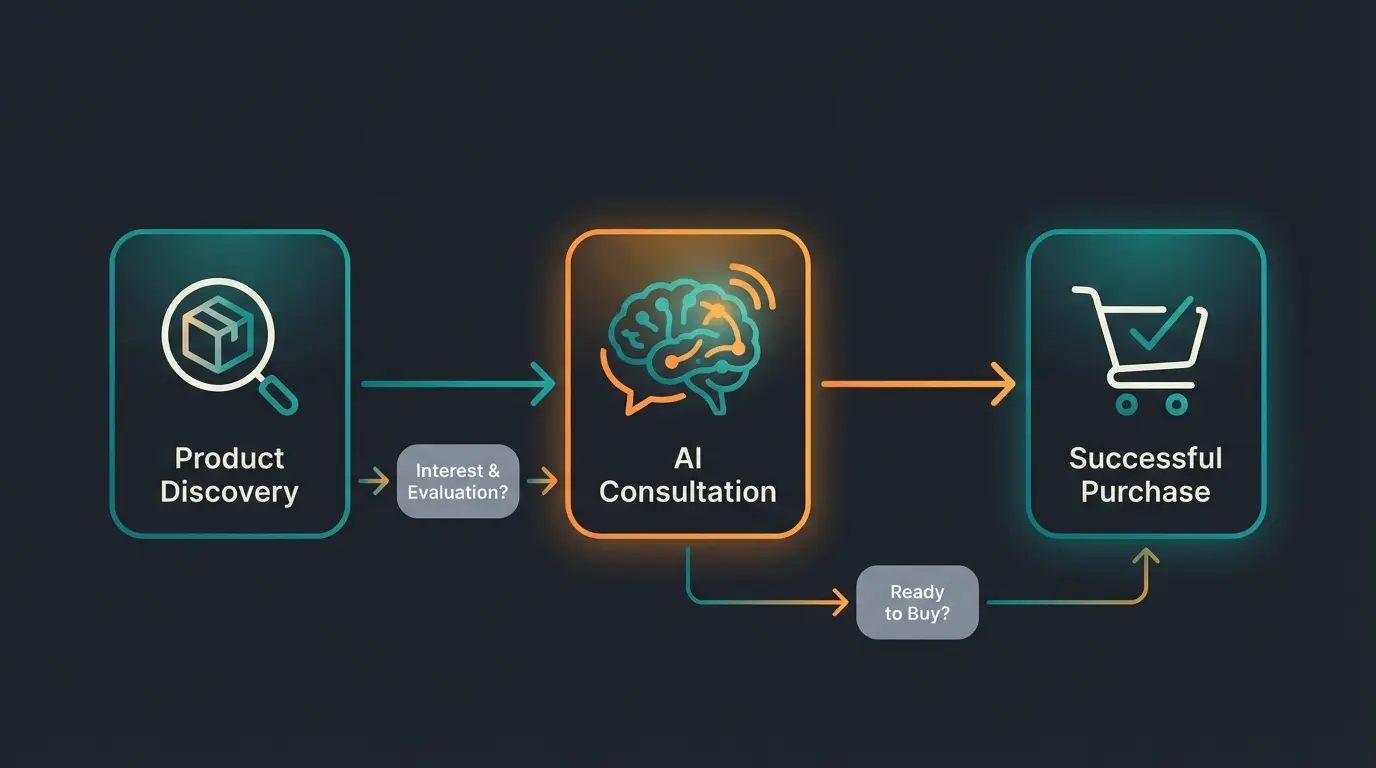
Understanding how AI consultation and Klarna work together requires visualizing the optimized customer journey:
Customer finds product through search or browse
Guided Selling helps select perfect size/variant, reducing return risk
Customer adds recommended product with confidence
Pay Later reduces friction and increases conversion
High sales + low returns = maximum profitability
This flow represents the ideal balance where both technologies complement each other. Learn more about optimizing your complete strategy in our Shopware SEO guide for driving qualified traffic to this optimized experience.
Cost Savings Through Strategic Integration
The financial impact of combining Klarna with AI consultation extends beyond simple return prevention. When you consider the AI product consultation total cost of ownership, the ROI becomes clear:
Shipping, inspection, reconditioning, and value loss
Typical improvement with AI product guidance
Average payback period for AI consultation implementation
These numbers demonstrate why forward-thinking Shopware merchants are investing in AI consultation alongside their payment integrations. The combination addresses both sides of the profitability equation: maximizing conversions while minimizing return-related costs.
Conclusion & Success Checklist
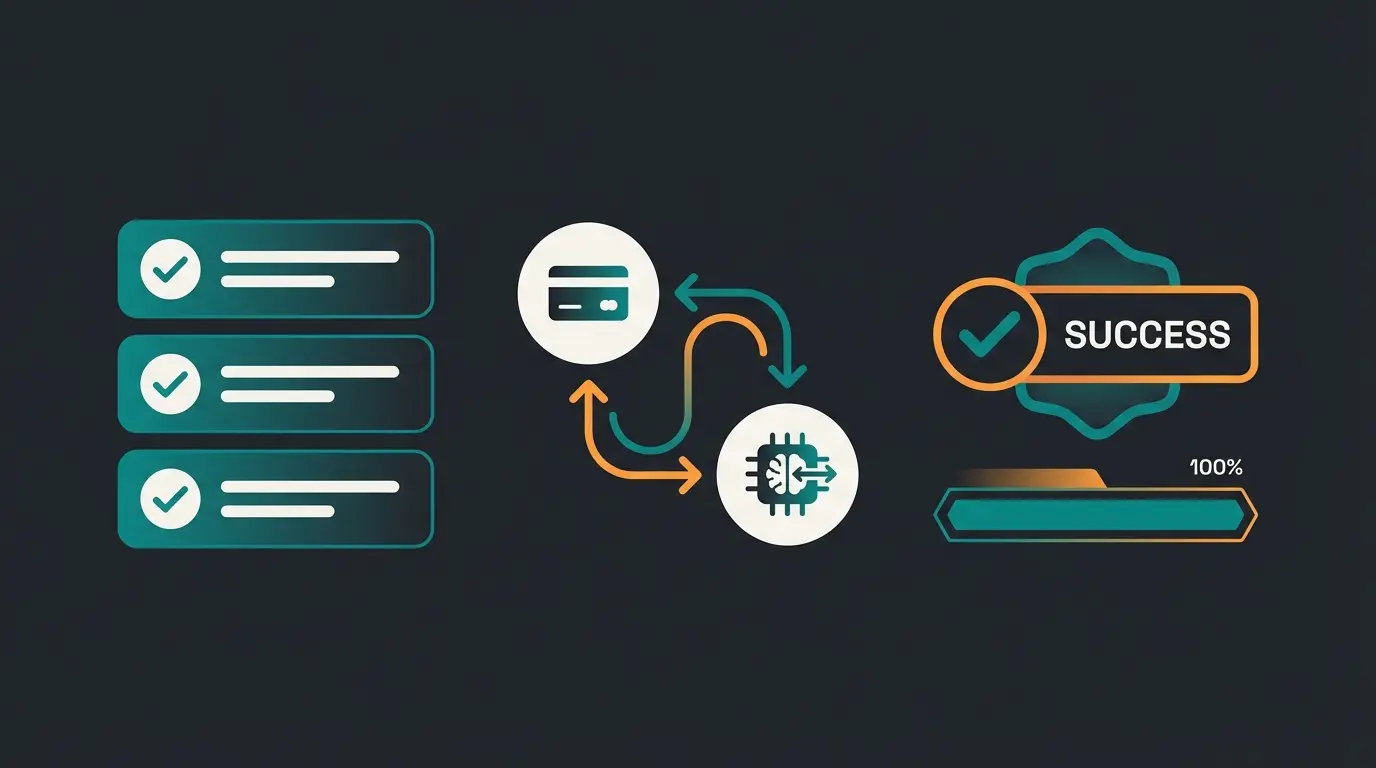
Integrating Klarna in Shopware 6 in 2024 is no longer a 'nice-to-have' but mandatory for success in the DACH market. Technical hurdles are well manageable thanks to good plugins and our troubleshooting table above.
But technology is only half the battle. Those who blindly activate Klarna risk drowning in the flood of returns that 'Pay Later' options encourage.
Your Roadmap to Success
- Installation: Install the 'Klarna Payments' plugin cleanly via the Shopware Store.
- Testing: Use Playground mode to run through the checkout flow completely once (including error cases).
- Configuration: Activate 'On-Site Messaging' to promote installment payments already on the product.
- B2B Check: If you sell to businesses, activate the Billie integration in the plugin.
- Returns Protection: Implement AI product consultation to proactively intercept the return tendency created by Klarna.
Frequently Asked Questions
This error almost always indicates mismatched API credentials. The most common cause is using Playground (test) credentials in Live mode or vice versa. Check that your username format matches your selected mode—Live usernames typically start with 'K' while test credentials differ. Also verify no extra spaces were copied with your credentials.
The key is addressing customer uncertainty before checkout. Implement AI product consultation that guides customers to the right size, color, or variant through interactive dialogue. This prevents 'selection orders' where customers order multiple variants intending to return most of them. Studies show this can reduce return rates by 25% or more.
Klarna's standard Pay Later options are primarily B2C. For B2B customers, you need to activate the Billie integration within the Klarna plugin, which provides business invoice payment. This is available for certain countries and business configurations—contact Klarna Merchant Support for specific eligibility.
Klarna Payments integrates as payment methods within Shopware's native checkout, while Klarna Checkout replaces the entire checkout experience. For Shopware 6, Klarna Payments is recommended because it seamlessly works with Shopware's strong built-in checkout while still offering all Klarna payment options (Pay Later, Slice It, Pay Now).
Activate OSM in the Klarna plugin settings under 'On-Site Messaging.' For custom themes, you may need to manually include the Data Client ID script. These widgets show 'Pay from €X/month' on product pages, increasing conversion by demonstrating affordability before customers reach checkout.
Combine the conversion power of Klarna with AI-powered product consultation. Reduce returns, increase customer satisfaction, and maximize your profit margins.
Get Started Today